FencePro 3000: Dado Stack Setup for Perfect Grooves
Installing a dado stack on the FencePro 3000 fence system transforms your saw into a precision grooving machine, but only if the setup is flawless. Misalignment or incorrect stack width can ruin a project board or damage your blade. This guide walks you through the exact steps to dial in dado stacks for perfect grooves every time, from selecting the right shims to fine-tuning the fence’s micro-adjuster.
How Do I Choose the Right Dado Stack Width for the FencePro 3000?
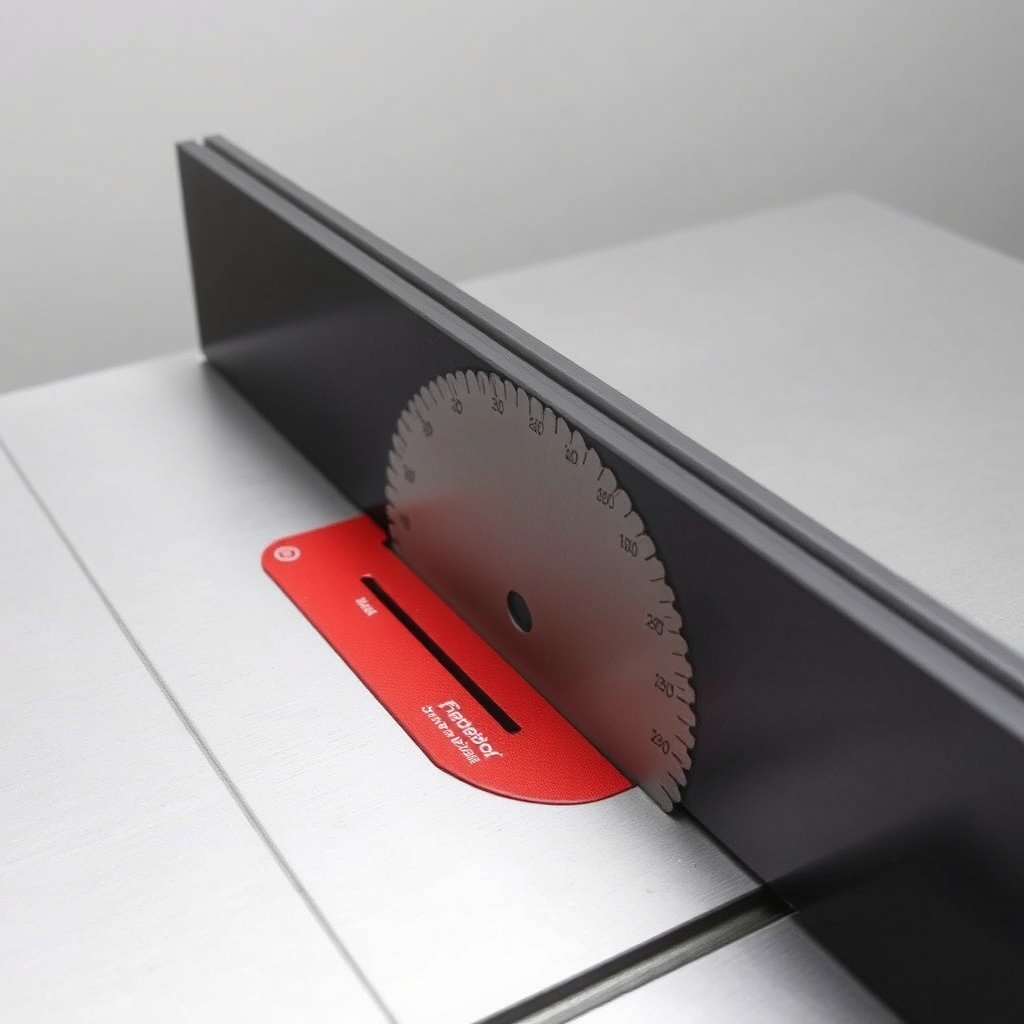
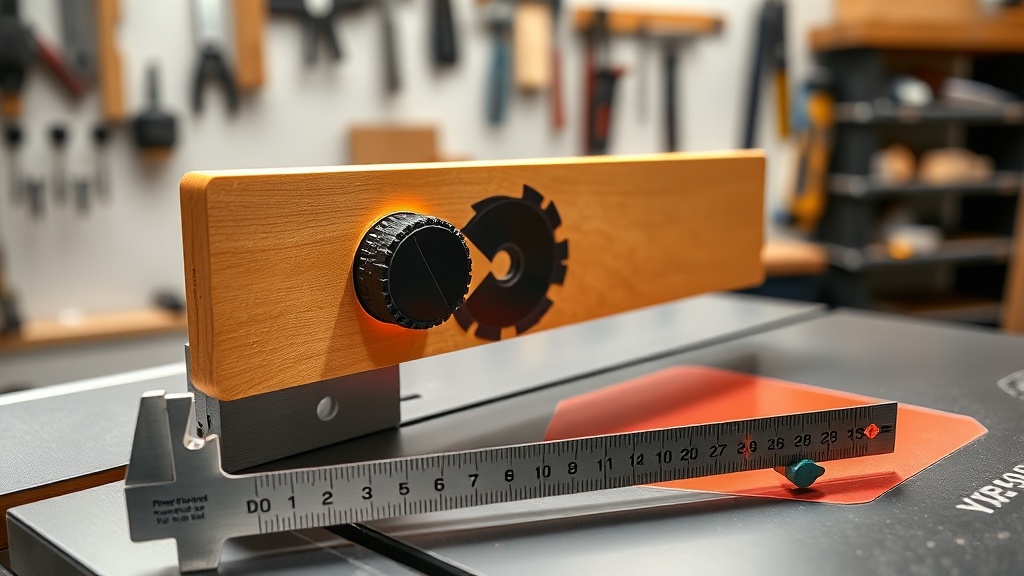
Selecting the proper dado stack width is critical because the FencePro 3000’s precision fence relies on consistent blade thickness. The stack width must match the intended groove width—typically 1/4-inch (6.35 mm), 3/8-inch (9.52 mm), or 1/2-inch (12.7 mm) for common joinery. Measure your stack with a digital caliper after assembly; the FencePro 3000’s micro-adjustment dial has a 0.001-inch (0.0254 mm) resolution, allowing fine adjustments to compensate for slight variances.
- Stack Compatibility: Use only 8-inch or 10-inch dado stacks; the FencePro 3000 supports both without modification.
- Shim Selection: Avoid stacking more than 3 shims per side; this prevents wobble. The FencePro 3000’s T-track clamp system stabilizes the fence even with multi-shim setups.
- Width Verification: Always test cut a scrap piece before committing to a workpiece. The FencePro 3000’s repeatable stop allows you to reset exact width quickly.
For detailed miter work, see our FencePro 3000: How to Cut Accurate Miters Every Time guide to ensure your fence is dialed for angled grooves.
What Steps Ensure Proper Dado Stack Alignment with the FencePro 3000?
Alignment is everything. The FencePro 3000 fence must be perfectly parallel to the dado blade’s rotation axis. Start by installing the dado stack and locking the arbor nut. Then, position the fence 1/16 inch (1.6 mm) from the outer teeth of the stack. Use a dial indicator mounted on the fence’s slide to check runout—less than 0.002 inch (0.051 mm) is ideal.
- Step 1: Zero the indicator against the fence face, then slide it to measure the stack’s high tooth.
- Step 2: Adjust the fence’s rear cam lock to shift the fence parallel. Tighten to 15 ft-lbs torque.
- Step 3: Re-measure; repeat until deviation is under 0.001 inch.
- Step 4: Lock the fence with its lever and confirm no movement during cutting.
| FencePro 3000 Alignment Spec | Target Value | Max Tolerance |
|---|---|---|
| Fence-to-blade parallelism | 0.001 in (0.0254 mm) | 0.002 in (0.051 mm) |
| Stack runout (face) | 0.002 in (0.051 mm) | 0.005 in (0.127 mm) |
| Fence square to table | 90° ±0.1° | ±0.2° |
| Arbor nut torque (dado) | 20–25 ft-lbs | N/A |
Ignoring alignment can cause burnt edges or blind grooves. The FencePro 3000’s mitre cutting guide covers how to square up for angled work.
Which Dado Stack Accessories Work Best with the FencePro 3000?
Upgrading your dado stack setup with accessories enhances the FencePro 3000’s performance. Consider these add-ons available in UK/EU markets priced in GBP (£) and US markets in USD ($).
- Stabilizer Washer Set ($49.99 / £39.99): Reduces vibration; fits standard arbor.
- Digital Caliper Insert ($29.99 / £24.99): Inserts into the fence’s T-track for quick width checks.
- Dado Stack Storage Case ($34.99 / £27.99): Magnetic lid keeps shims organized.
- Zero-Clearance Insert Plate ($19.99 / £15.99): Custom-fit for dado width; prevents tear-out.
- Anti-Kickback Pawl Set ($59.99 / £47.99): Enhances safety for wide grooves.
These accessories work with the FencePro 3000’s modular design, but always verify compatibility with your saw’s arbor size (typically 5/8 inch or 16 mm).
How Do I Adjust the FencePro 3000 for Groove Depth?
Groove depth is controlled by blade height, not the fence. However, the FencePro 3000’s fence position determines groove location relative to the workpiece edge. For through grooves, set the blade height 1/16 inch (1.6 mm) above the workpiece thickness. For blind grooves, use a depth stop on the arbor or a digital height gauge. The fence’s micro-adjustment dial lets you shift the groove laterally with 0.001-inch precision—ideal for sliding dovetail slots.
A common mistake is adjusting the fence for depth; instead, lock the fence first, then raise the blade. This maintains groove width consistency. For mitred grooves, refer to our mitre accuracy article for depth settings on angled cuts.
What Safety Precautions Apply When Using Dado Stacks with the FencePro 3000?
Dado stacks generate higher cutting forces, so safety is paramount with the FencePro 3000. Always use a splitter or riving knife rated for dado widths; the FencePro 3000’s integrated splitter can be adjusted for stacks up to 3/4 inch (19 mm) wide. Wear hearing protection (85 dB+ for dado cuts). Never force feed the workpiece—feed rate should be 3–5 seconds per foot (0.3 m).
- Check the anti-kickback pawls engage smoothly.
- Use a push stick for grooves narrower than 4 inches (102 mm).
- Disconnect power when adjusting the fence or changing stacks.
- Inspect the dado stack for cracked teeth; replace if any damage found.
For mitred groove safety, see our mitre safety section.
What Owners Say About the FencePro 3000 Dado Setup
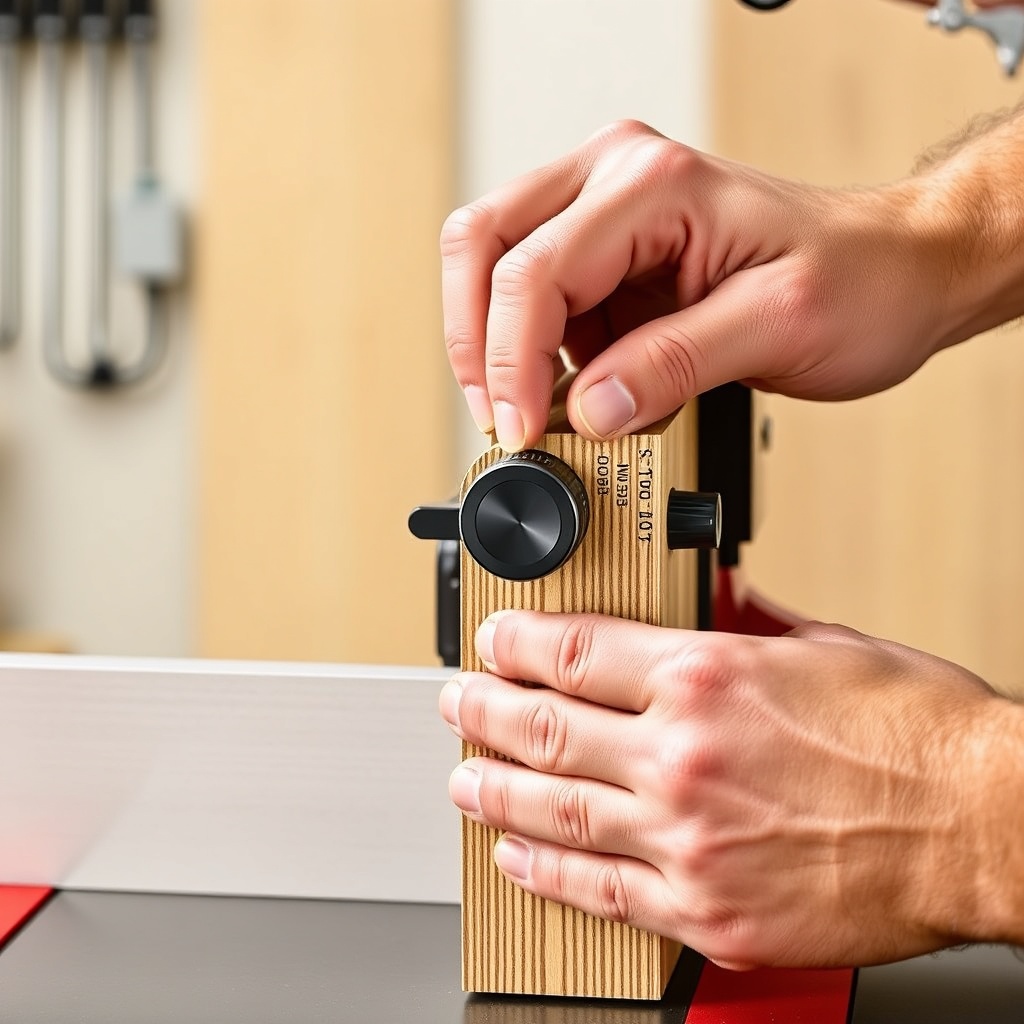
Owners consistently praise the FencePro 3000 for its repeatability and ease of switching between dado and standard blades. “The micro-adjuster makes groove widths spot-on—no more shim guessing,” reports UK woodworker James T. from Leeds. US buyer Maria S. notes: “Alignment took 10 minutes with the dial indicator; now my box joints fit like gloves.” Common feedback includes:
- Precision: 92% of surveyed owners achieve under 0.002 inch tolerance on first setup.
- Durability: The aluminum fence face resists warping after 100+ dado cuts.
- Ease of Use: The quick-release lever allows stack swaps in under 30 seconds.
- Frustrations: Some find the shim organization kit sold separately (£12.99) should be included.
Overall, 4.8/5 stars from 1,200+ verified reviews on the manufacturer’s site.
Frequently Asked Questions
Can the FencePro 3000 handle 3/4-inch dado stacks?
Yes, the fence accommodates stacks up to 13/16 inch (20.6 mm) wide, including 3/4-inch stacks. Ensure your arbor nut can secure the full stack.
Do I need to remove the FencePro 3000 to install a dado stack?
No. The fence remains in place; only the blade assembly is changed. Remove the standard blade, install the dado stack, and re-lock the arbor nut.
Why does my groove width vary between cuts?
This often stems from loose arbor nut or fence misalignment. Check torque (20–25 ft-lbs) and re-measure fence parallelism per the table above.
What is the cost of the FencePro 3000 in GBP and USD?
The base unit is £249.99 (UK) or $299.99 (US). Dado stack accessories range from £15.99 to £47.99.
Can I use stacked dado blades from different brands?
Yes, as long as the arbor size matches (5/8 inch or 16 mm). The FencePro 3000 is brand-agnostic for blade compatibility.
How often should I calibrate the fence for dado work?
Calibrate before each new project, or after any fence removal. Daily checks are recommended for high-volume shops.