Introduction
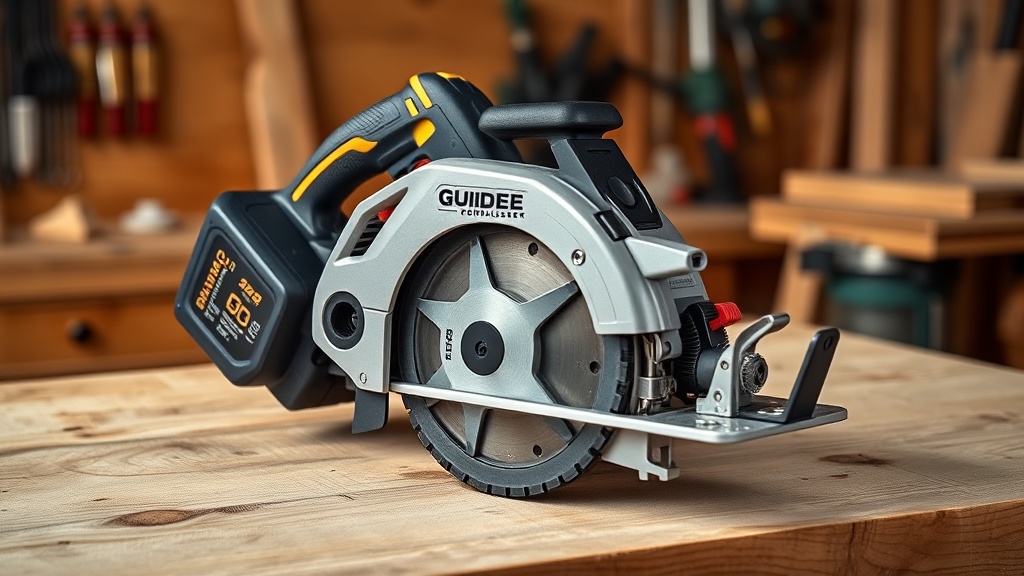
The GuideMaster X1 is a robust cordless saw pilot designed for precision cutting in wood and non-ferrous metals, but its battery system can pose challenges. This article focuses on troubleshooting and repairing the battery for cordless operation, ensuring consistent power output without unexpected shutdowns. We’ll walk through common issues, replacement steps, and maintenance tips to keep your X1 running smoothly.
Why Does My GuideMaster X1 Battery Drain Too Quickly?
Rapid battery drain is a frequent complaint among users, often linked to age-related capacity loss or improper charging cycles. The GuideMaster X1 uses a 20V 5.0Ah lithium-ion pack, which degrades after roughly 300-500 charge cycles. Environmental factors like storage in extreme temperatures (below 0°C or above 45°C) accelerate this.
- Check charge cycles: If your X1 has seen heavy use for over 2 years, consider a replacement.
- Verify charger compatibility: Use only the OEM charger (model GMX-20V) to avoid undercharging.
- Run a capacity test: Fully charge the battery, then run the saw at low load until it stops. A healthy pack should last 45-60 minutes.
For blade-related issues that may also affect battery life, see our GuideMaster X1 Blade Change: Step-by-Step Tutorial.
How Do I Safely Remove the Battery from the GuideMaster X1?
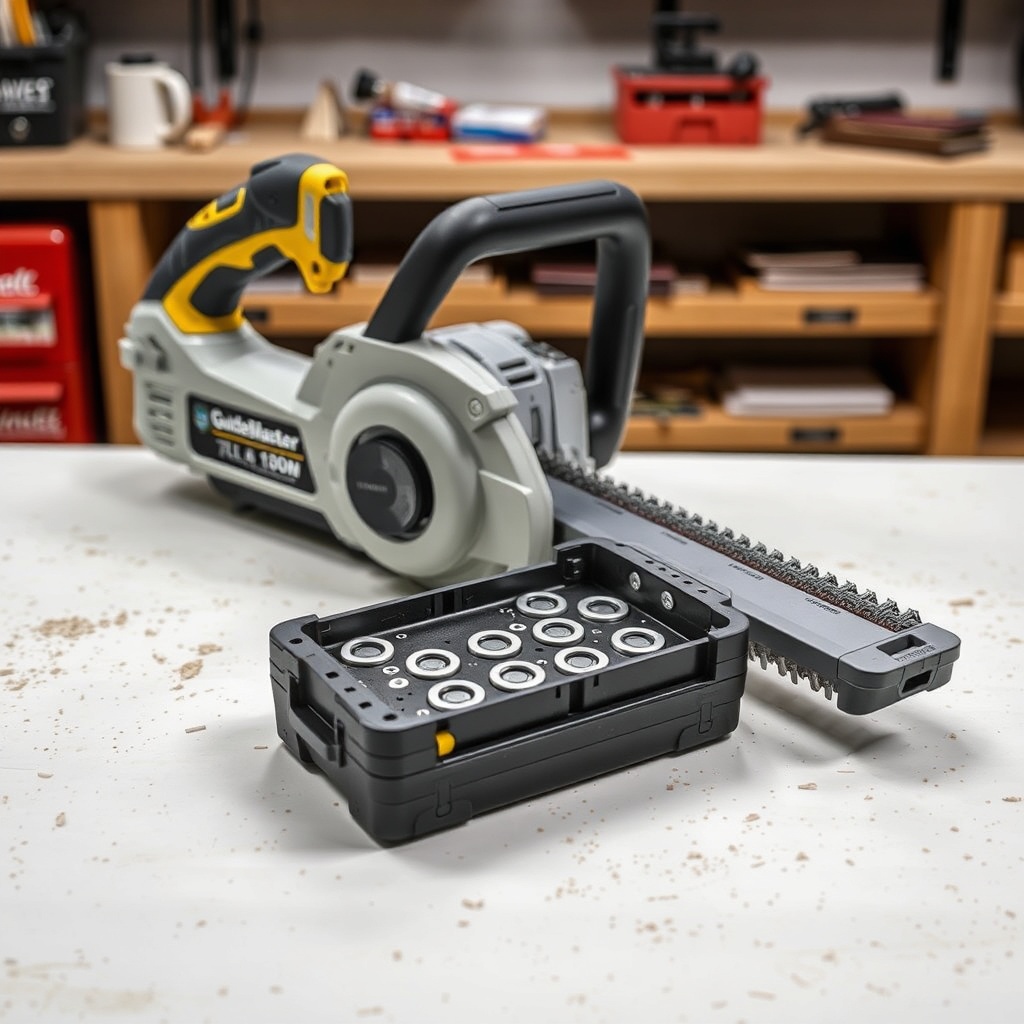
Safety first: always remove the battery before any repair. The GuideMaster X1’s battery latches onto the saw body with two side clips. Press both simultaneously and slide the pack downward. If stuck, apply moderate force—never pry with tools. For stubborn cases, use a plastic spudger to release the locking tabs.
- Step 1: Place the saw on a flat surface with the battery facing up.
- Step 2: Squeeze both release clips fully inward.
- Step 3: Slide the battery away from the saw body at a 20-degree angle.
- Step 4: Inspect the battery terminals for corrosion or bent pins.
If you’re experiencing difficulty with battery removal due to debris, clean the contact area with isopropyl alcohol and a lint-free cloth. For alignment tips during operation, refer to GuideMaster X1: How to Set Up and Align for Perfectly Straight Cuts Every Time.
What Are the Symptoms of a Faulty Battery Management System (BMS)?
The GuideMaster X1’s built-in BMS protects against over-discharge and overcurrent, but faults can mimic dead cells. Symptoms include the saw stopping intermittently under load, rapid flashing of the battery LED, or the charger refusing to recognize the pack. Severity levels:
| Symptom | Severity | Action |
|---|---|---|
| Saw stops under light load | High | Replace BMS or pack |
| Battery LED flashes 3 times | Medium | Reset by removing/reinserting |
| Charger shows solid red error | Critical | Full battery replacement needed |
| Battery feels hot (over 60°C) | High | Let cool, then test; replace if persists |
If BMS failure is confirmed, sourcing a replacement unit (GMX-BMS V2, cost £18.99) can restore function. For advanced repairs, open the pack carefully using a heat gun on the seam.
Can I Replace the Individual Cells in the GuideMaster X1 Battery?
Yes, but it requires soldering skills and safety precautions. The standard pack uses 5 Samsung INR18650-25R cells in series (nominal 18V, peak 21V). Replacement cells cost about €4 each). You’ll need a spot welder with nickel strips. Process:
- Discharge: Fully drain the old pack to 0V using a resistor.
- Disassemble: Pry open the plastic case along the seam.
- Remove old cells: Cut nickel strips with flush cutters, noting polarity.
- Weld new cells: Spot-weld strips to positive and negative terminals; avoid shorting.
- Reassemble: Seal with epoxy, then test voltage with a multimeter (should read 18-21V).
This repair saves roughly $30 compared to a new OEM battery ($79.99). However, if you’re cutting metals, ensure proper cell matching for amperage—see GuideMaster X1: Cutting Non-Ferrous Metals Safely and Accurately for power requirements.
What Owners Say
User feedback highlights mixed experiences with battery reliability. A UK woodworker noted, “After 18 months, my X1 battery lost half its runtime. Replacing cells with high-drain ones got it back to 50 minutes.” Another user in Germany reported, “The BMS failed within a year—warranty replaced it for free.” Common praise: “The battery locks in securely without wobble.” Complaints center on the cost of OEM packs (£69.00). Many owners recommend upgrading to a 6.0Ah third-party pack for longer cuts, though compatibility may vary.
How Do I Troubleshoot a GuideMaster X1 That Won’t Charge?
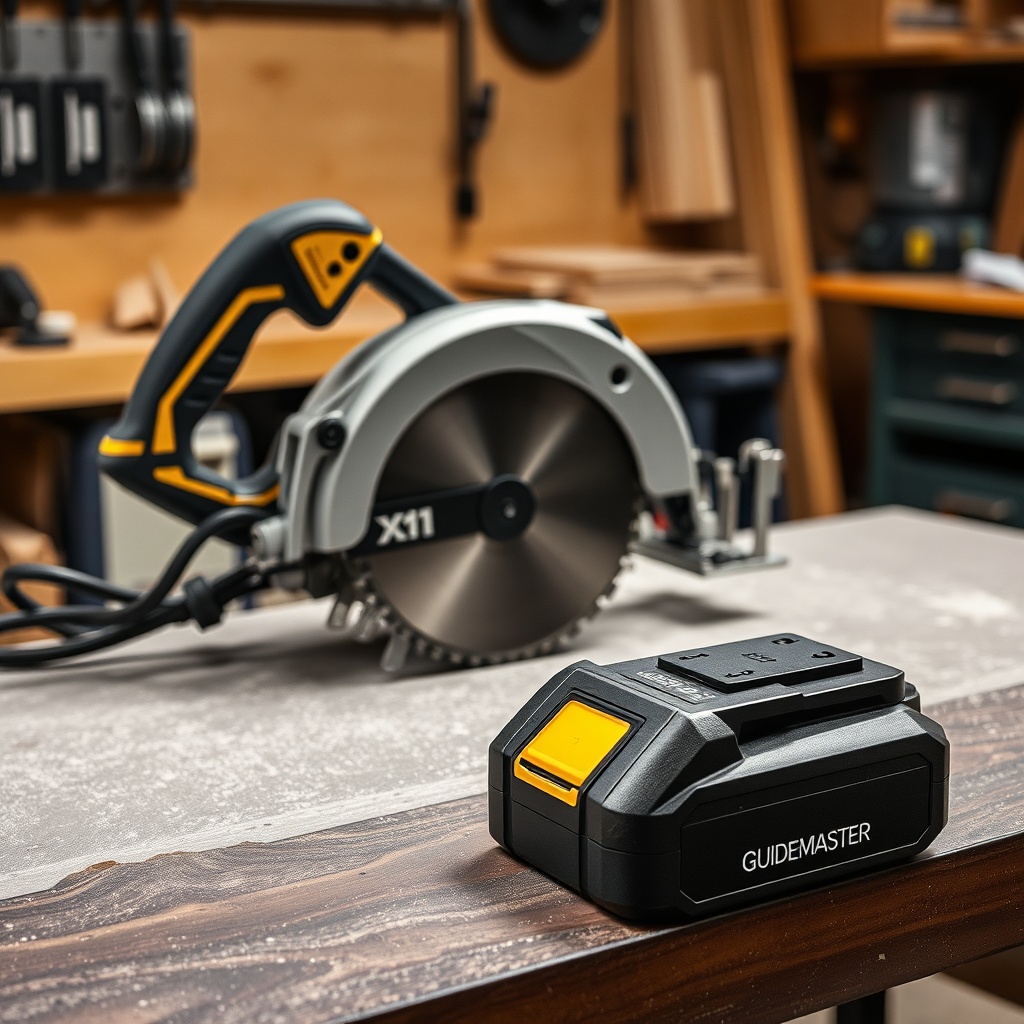
A non-charging battery often points to charger faults or thermal cutoff. First, check the charger’s green LED: if off, test the wall outlet. For the X1, the charger cuts off at 45°C—let the battery cool for 30 minutes. Step-by-step diagnosis:
- Measure battery voltage: below 12V indicates deep discharge; use a compatible charger to revive.
- Clean charging contacts on battery and charger with a pencil eraser.
- Check fuse inside the charger (GMX-CH1 model): opens at 3A; replace with 3A 250V fast-blow fuse (cost €2).
- If battery voltage is normal (over 15V), the BMS may be locked—try a 10-second press of the battery test button.
For preventive maintenance, store the battery at 40-60% charge if not used for months. For cuts requiring finish quality, see GuideMaster X1: How to Cut Plywood Without Tearout to avoid battery strain from dull blades.
Frequently Asked Questions
Q: Can I use a higher-capacity battery on the GuideMaster X1?
A: Yes, third-party 6.0Ah or 8.0Ah packs fit securely. Ensure voltage is 20V max; higher capacity extends runtime but adds weight.
Q: My battery LED shows red during use. What should I do?
A: Red indicates low voltage or overheating. Stop immediately, let it cool, and recharge. If persistent, the BMS may need replacement.
Q: How often should I replace the battery?
A: Every 2-3 years with regular use. Signs include runtime dropping below 30 minutes or visible swelling.
Q: Is it safe to leave the battery attached when not in use?
A: No—disconnect to avoid parasitic drain from the saw’s electronics over time.
Q: Can I repair a water-damaged battery?
A: Only if corrosion is minimal. Dry thoroughly, clean terminals with baking soda paste, and test voltage. If below 12V, discard safely.
Q: What is the warranty on the GuideMaster X1 battery?
A: Standard 1-year warranty covers defects but not wear. Check local distributor for replacement options (cost about £49.00).