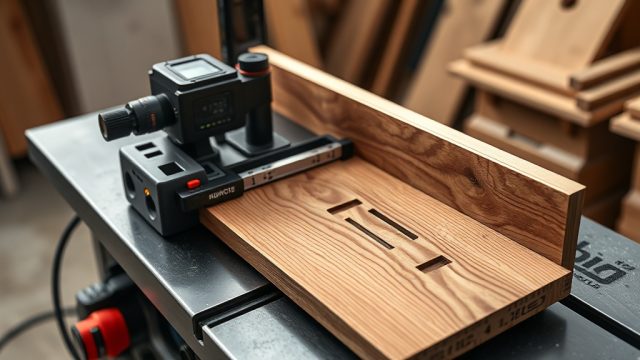
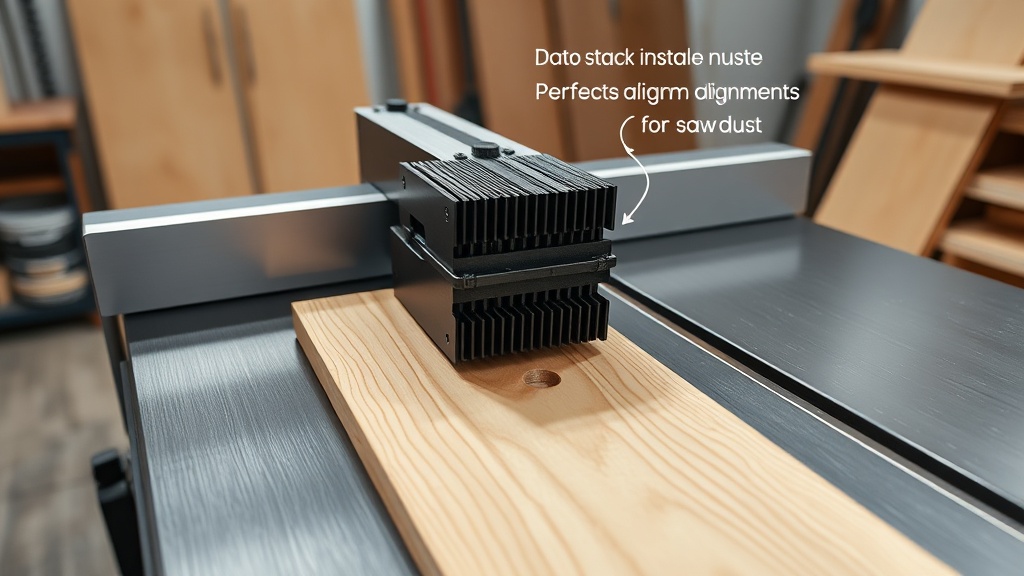
Why Are My Dado Stacks Producing Uneven Groove Depths on the SawPilotPro?
Inconsistent groove depth is one of the most frustrating issues woodworkers face with a dado stack on the SawPilotPro. This often stems from the arbor not being fully tightened or the stack’s chippers being misaligned. A loose arbor nut can cause the entire stack to wobble, leading to a groove that’s deeper on one side than the other. Check that your saw’s arbor is clean and free of debris, then torque the nut to the manufacturer’s specification—typically 25–30 ft-lbs for most 8-inch dado sets. Additionally, inspect each chipper for burrs or warping; a bent chipper will throw off the entire cut. For a step-by-step on securing workpieces during such precision cuts, see our guide on SawPilotPro: Using Clamping Jigs for Complex Cuts.
How Do I Fix Chattering or Vibrations When Cutting Dados on the SawPilotPro?
Chatter and vibration indicate that your dado stack is either unbalanced or being fed too aggressively. Begin by ensuring all blades and chippers are evenly stacked and that the stabilizer plates (if included) are positioned correctly—these help dampen resonance. Also, verify that your SawPilotPro’s arbor speed matches the stack’s rating: for an 8-inch stack, 4,000–5,000 RPM is typical; exceeding this can induce chatter. Reduce your feed rate to no more than 1–2 inches per second, and use a zero-clearance insert to minimize blade exposure. If vibrations persist, check for worn bearings in the saw’s arbor assembly—replacing them can restore smooth operation. For more setup tips, consult SawPilotPro: Setting Up Roller Stands for Long Workpiece Support to ensure stable material handling.
What Causes Burn Marks on Groove Edges and How Do I Remove Them?
Burn marks on dado grooves are typically a result of friction from dull blades, excessive feed speed, or resin buildup on the teeth. Start by cleaning your dado stack with a commercial blade cleaner or a solution of warm water and dish soap to remove pitch and sap. Then, inspect the carbide tips for dullness—if they appear rounded or chipped, send the stack out for sharpening (costing around $25–$40 USD per set). To prevent future burns, lightly wax the table surface and apply a dry lubricant to the blade teeth. Adjusting your feed rate to a steady, moderate pace also reduces heat generation. For cutting softer materials like acrylic, which are prone to melting, refer to SawPilotPro: How to Cut Acrylic Sheets Without Chipping for specific techniques.
How Should I Realign a Dado Stack That’s Cutting Out-of-Square?
An out-of-square groove—where the dado is not perfectly perpendicular to the fence—usually results from misalignment in the saw’s arbor or a warped chipper. First, check your SawPilotPro’s fence with a square; it should be exactly 90 degrees to the blade’s plane. Adjust the fence as needed per your manual. Next, measure the runout of your arbor using a dial indicator—acceptable runout is under 0.002 inches. If it’s higher, replace the arbor bearings or the arbor itself, a job that costs roughly $50–$100 USD in parts. Also verify that each chipper in the stack is flat; place them on a granite surface plate and feel for gaps with a feeler gauge (anything over 0.001 inches is problematic). For more complex alignment tasks, see our guide on SawPilotPro: Dado Cutting Techniques for Multiple Passes, which outlines progressive adjustments.
Troubleshooting Table: Common Dado Stack Issues on the SawPilotPro
| Issue | Severity (1-5) | Common Cause | Solution | Estimated Cost (USD) |
|---|---|---|---|---|
| Uneven depth | 4 | Loose arbor nut or bent chipper | Tighten nut to 25-30 ft-lbs; replace warped chipper | $0 (tighten) or $15-30 (chipper) |
| Chattering | 3 | Unbalanced stack or high feed rate | Adjust stack order; reduce feed speed | $0 |
| Burn marks | 2 | Dull blades or resin buildup | Clean stack; sharpen or replace blades | $25-40 (sharpening) |
| Out-of-square | 5 | Arbor misalignment or warped chipper | Realign fence; replace arbor or chipper | $50-100 (arbor parts) |
| Rough edges | 3 | Wrong RPM or dull chippers | Match speed to stack rating; resharpen | $0 (speed) or $25-40 (sharpen) |
What Owners Say About Dado Stack Troubleshooting on the SawPilotPro
Users report that after switching to a premium stack, like the Freud SD508, they see cleaner grooves but still struggle with occasional burning. One owner from Texas notes, “I had to adjust my feed rate from fast to moderate—after that, perfect dados every time.” Another from Ohio mentions, “I spent an hour on alignment using a dial indicator, and it solved all my depth issues.” Many emphasize the importance of proper lubrication; a Florida woodworker suggests, “Use a dry PTFE spray on the blades—it cuts down resin by 80%.” For more owner insights on setup, check SawPilotPro: 10 Essential Accessories for Every Woodworker to see what gear others recommend.
Frequently Asked Questions
1. Can I use a wobble dado on the SawPilotPro?
Yes, but wobble dados are less precise and generate more vibration. For clean grooves, a stacked dado set is recommended.
2. How often should I sharpen my dado stack?
Every 10–15 hours of cutting time, or sooner if you notice burn marks or rough edges. Annual sharpening is typical for hobbyists.
3. Why does my dado stack leave a ridge in the middle of the groove?
This is often due to mismatched chipper diameters. Ensure all chippers are the same size; use a caliper to verify within 0.005 inches.
4. Can I cut dados in plywood on the SawPilotPro?
Yes, but use a fine-tooth combo blade on top and bottom chippers to minimize tear-out. For best results, see our acrylic cutting guide for similar chipping issues: SawPilotPro: How to Cut Acrylic Sheets Without Chipping.
5. What is the maximum dado width for the SawPilotPro?
Most 10-inch SawPilotPro models accept up to 13/16-inch wide dado stacks. Check your saw’s manual for exact specs.
6. How do I stop sawdust buildup in the groove during cutting?
Use a shop vac with a narrow hose attachment directed at the cut zone, or blow compressed air from behind the blade between passes.