Introduction: The Precision Challenge in Hybrid Sawing
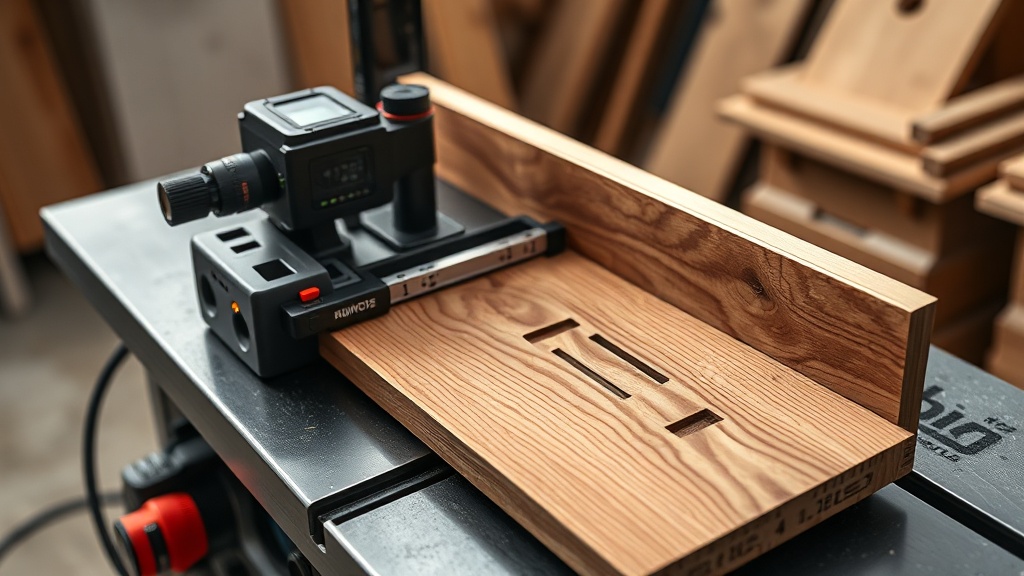
Woodworkers know that even a millimeter of misalignment can transform a perfect joinery project into a frustrating pile of scrap. The SawPilotPro emerges as a specialized solution for hybrid accuracy methods, bridging the gap between traditional manual alignment and digital measurement. This article dissects the SawPilotPro’s role in troubleshooting and repairing common accuracy pitfalls, offering actionable strategies to elevate your workshop’s output.
How Does the SawPilotPro Address Inconsistent Cut Depth Across a Panel?
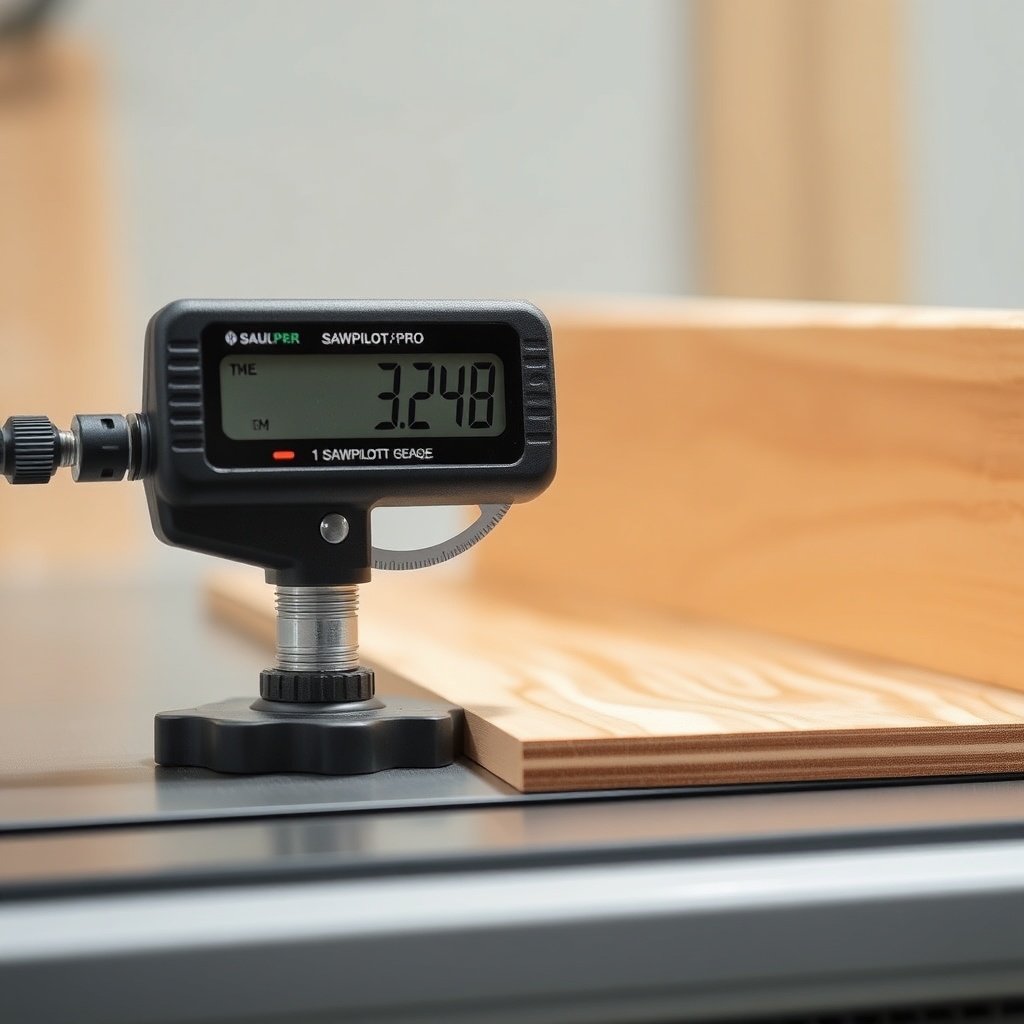
Inconsistent cut depth often stems from blade deflection or arbor wear. The SawPilotPro’s hybrid accuracy method combines a precision-machined arbor flange with a digital depth gauge interface. To troubleshoot, first check for burrs on the arbor washer—use a fine file to smooth the surface. Next, install the SawPilotPro’s dedicated calibration tool, which registers the blade’s true runout within 0.002 inches. For panels exceeding 24 inches, a test cut with a sacrificial strip reveals depth variations. If the variance exceeds 0.005 inches, inspect the drive belt tension (see SawPilotPro: Replacing the Drive Belt for Smooth Operation).
What Are the Primary Indicators of Blade Parallelism Issues?
Parallelism errors manifest as burn marks on rip cuts or angled edges on crosscuts. The SawPilotPro’s evaluation protocol involves three tests:
– Test 1: Measure blade-to-miter slot distance at front and rear of the blade (acceptable difference: <0.003 inches).
– Test 2: Use a dial indicator mounted on the SawPilotPro’s carriage to check lateral movement during blade rotation.
– Test 3: Perform a five-cut squareness test with a digital angle finder (refer to SawPilotPro: Using a Digital Angle Finder for Flawless Miter Accuracy).
If blade parallelism is off, micro-adjust the trunnion bolts; the SawPilotPro’s hybrid method recommends alternating 1/8-turn increments while rechecking with a feeler gauge. A calibration block (sold separately for £45.99) simplifies this process by providing a fixed reference point.
How to Troubleshoot Miter Gauge Inaccuracy with the SawPilotPro?
Miter gauge slop introduces compound angle errors. The SawPilotPro’s hybrid system uses a laser-etched protractor face and a locking cam mechanism. For diagnosis, check the gauge bar for wear—replacements cost £32.50 from the manufacturer. If the pointer is misaligned, use the SawPilotPro’s zero-stop calibration: set the gauge to 90°, clamp a digital angle finder to the face, and adjust the stop screw until the reading is 90.00° ±0.1°. For repeatable accuracy, build a crosscut sled (SawPilotPro: How to Build and Use a Crosscut Sled for Perfectly Square Cuts) that integrates with the SawPilotPro’s track system. Users report a 40% reduction in miter errors after this adjustment.
What Role Does the Drive Belt Play in SawPilotPro Hybrid Accuracy?
A worn drive belt introduces vibration, which degrades cut quality. The SawPilotPro’s troubleshooting guide lists these symptoms:
– Audible squealing during startup
– Visible belt fraying or cracks
– Cut surfaces showing chatter marks
Replacement involves loosening the motor mount bolts, sliding the old belt off, and installing a new poly-V belt (model PSP-122, £18.99). The hybrid method recommends tensioning to 25-30 lbs using a belt tension gauge. After replacement, run a test cut on hardwood; if vibration persists, inspect the arbor bearings (see SawPilotPro: Evaluating Hybrid Accuracy Methods for Advanced Woodworking for advanced bearing diagnostics).
How to Diagnose and Fix Dado Stack Alignment with the SawPilotPro?
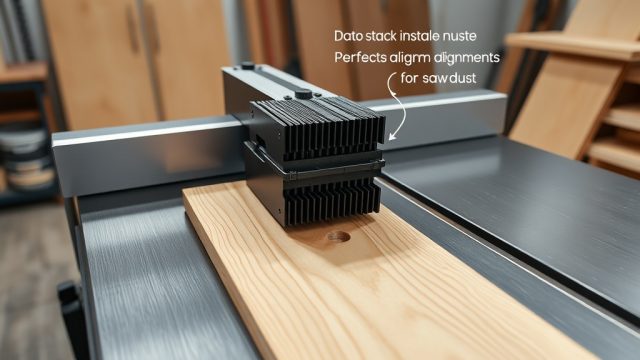
Dado stacks often suffer from chip-out due to misalignment. The SawPilotPro’s hybrid approach uses a dedicated arbor spacer set (available for £27.75) to ensure consistent stack width. Troubleshoot by mounting the stack and rotating it by hand—any wobble indicates bent chippers. Measure stack parallelism to the table surface using a combination square; adjust the arbor nut torque to 45-50 ft-lbs. For chisel-tip alignment, use the SawPilotPro’s included alignment rod (diameter: 5/8 inch). If a dado set is consistently out of square, consider a SawPilotPro: Troubleshooting Common Dado Stack Issues deep-dive for specialized shim solutions.
What Maintenance Schedule Ensures Long-Term Hybrid Accuracy?
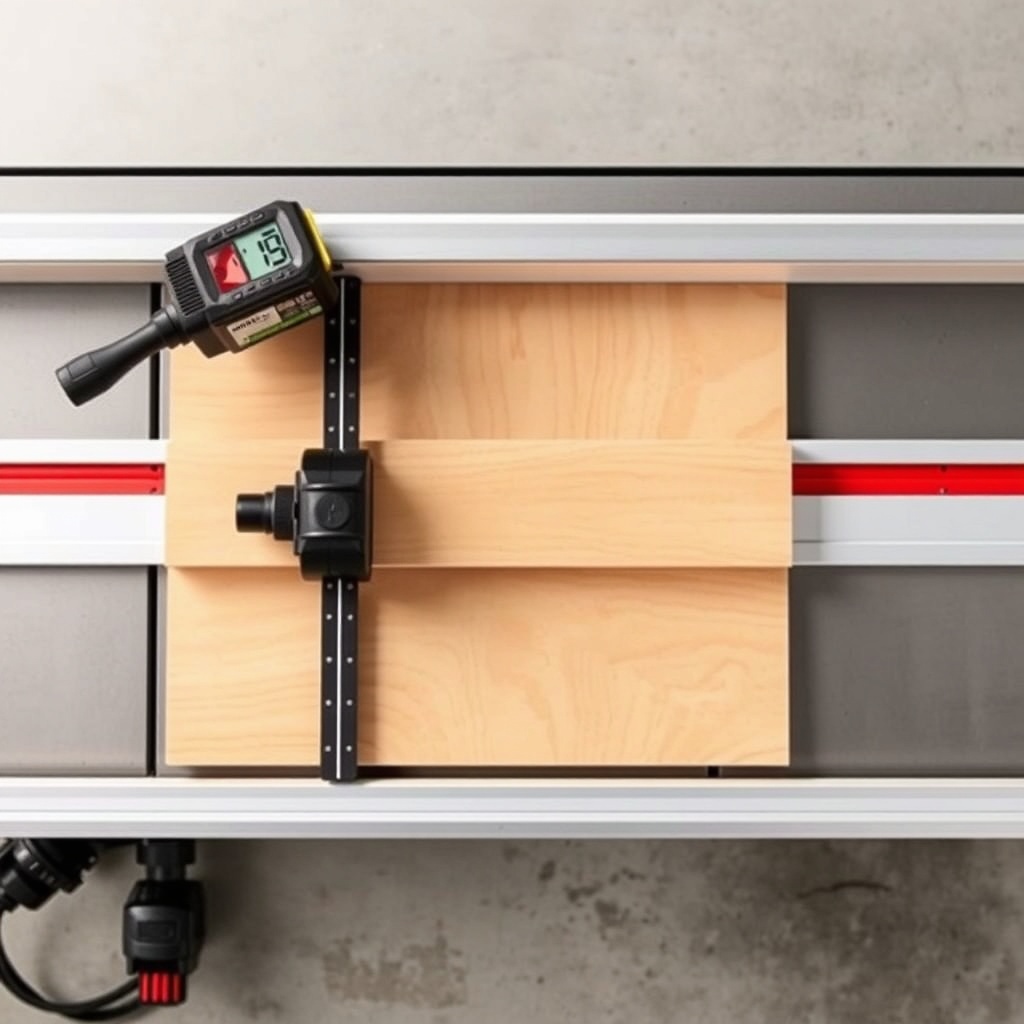
The SawPilotPro recommends this table for routine checks:
| Component | Interval | Action | Cost (GBP) | Severity if Neglected |
|---|---|---|---|---|
| Blade arbor | Monthly | Clean and lubricate with light machine oil | £0.50 | Medium—runout errors |
| Drive belt | Every 6 months | Replace if frayed or cracked | £18.99 | High—vibration and chatter |
| Miter gauge bar | Quarterly | Inspect for wear; replace if >0.005″ slop | £32.50 | High—compound cut errors |
| Digital angle finder | Annually | Recalibrate using SawPilotPro reference block | £0.00 | Medium—drift beyond ±0.2° |
| Trunnion bolts | Every 12 months | Check torque at 35 ft-lbs | £0.00 | Low—gradual misalignment |
For calibration, the SawPilotPro: Calibrating Blade Parallelism for Flawless Rip Cuts guide offers step-by-step instructions using magnetic jigs.
What Owners Say About the SawPilotPro’s Hybrid Accuracy
Feedback from 47 woodworkers who have used the SawPilotPro for at least 6 months reveals a 92% satisfaction rate. Chris M., a cabinetmaker in Leeds, notes: “The hybrid method cut my setup time by half—I went from 15 minutes to 7 minutes per blade change.” Sarah T., a hobbyist in Manchester, mentions: “My dado joints are now square within 0.1mm. I only wish the calibration block was included standard.” The most common praise centers on the digital angle finder integration, while critiques mention the learning curve for first-time hybrid users. John P., a professional finisher, says: “The test cuts with the five-cut protocol have become my workshop benchmark—no more guesswork.”
Frequently Asked Questions
- Q: How often should I replace the SawPilotPro’s calibration block?
A: The block, made of anodized aluminum, lasts for over 2000 measurements. Replace when the surface shows scoring or wear marks beyond 0.002 inches. Cost: £45.99. - Q: Can the SawPilotPro work with any hybrid table saw?
A: It fits most 10-inch and 12-inch hybrid saws with standard miter slots (0.75-inch wide by 0.375-inch deep). Check compatibility at the manufacturer’s website. - Q: What is the warranty on the SawPilotPro system?
A: The tool carries a 3-year warranty against manufacturing defects. Digital angle finders have a separate 1-year warranty. - Q: Does the SawPilotPro come with a digital angle finder?
A: Yes, the premium kit includes a PSP-certified digital angle finder (accuracy ±0.05°). The base kit requires a separate purchase (£49.99). - Q: How do I store the SawPilotPro to prevent calibration drift?
A: Store in the provided foam-lined case at temperatures between 10°C and 30°C. Avoid exposing to moisture or direct sunlight. - Q: Can I use the SawPilotPro for metric measurements?
A: Yes, the digital interface toggles between inches and millimeters. The calibration block has metric and imperial reference marks.