Introduction: The Foundation of Flawless Rip Cuts
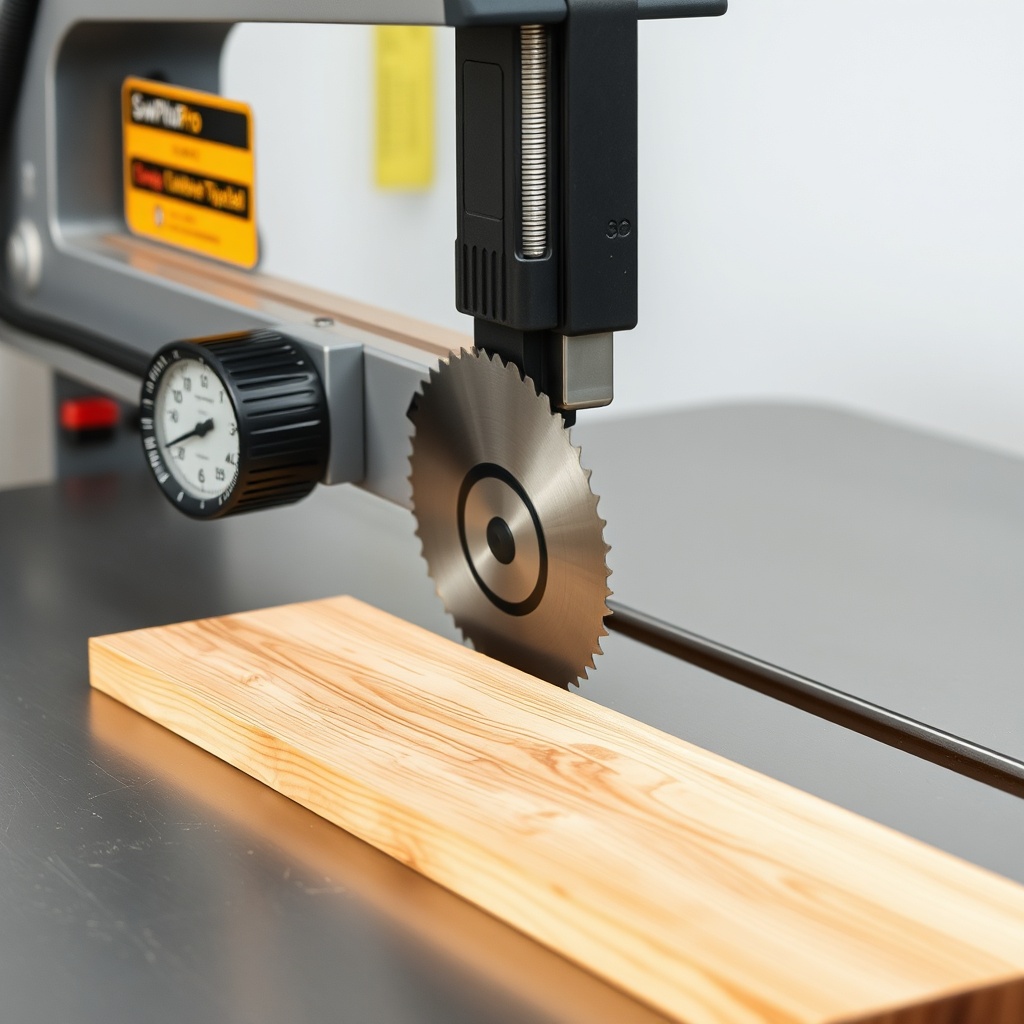
A rip cut that wanders, bind, or burns is often the result of one overlooked variable: blade parallelism. On the SawPilotPro, the relationship between the saw blade and the miter slot—or the guide rail—determines whether your cuts are straight and accurate or frustratingly flawed. Even a 0.01-inch deviation can cause blade deflection, uneven kerf lines, or premature blade wear. This guide walks you through diagnosing, calibrating, and maintaining blade parallelism on your SawPilotPro, transforming troublesome cuts into shop-ready perfection.
What Are the Signs That the SawPilotPro Blade Is Out of Parallel?
Blade parallelism issues manifest in distinct ways during operation. Listen and watch for these symptoms:
- Burn marks on one side of the cut line—the blade is rubbing against the wood.
- Wandering cuts that veer off path, especially in harder woods like oak or maple.
- Audible chatter or vibration during the cut, indicating uneven blade pressure.
- Kerf width inconsistency across the length of a board (wider at entry than exit).
- Excessive sawdust on one side of the blade guard, showing uneven chip evacuation.
If you notice any of these, stop the saw and perform a calibration check. Ignoring parallelism drift can lead to blade damage or unsafe kickback.
How Do I Measure Blade Parallelism on a SawPilotPro?
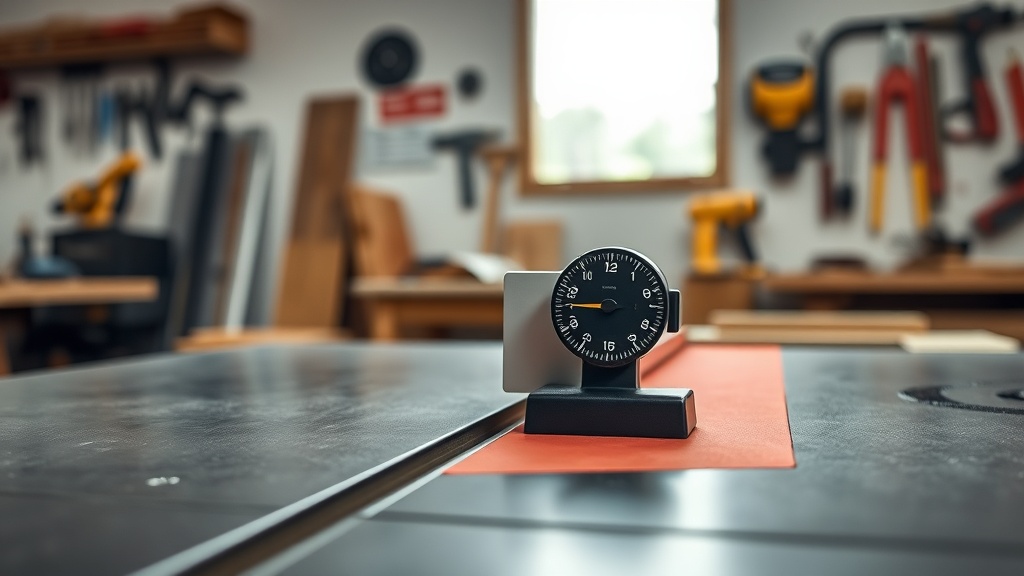
Accurate measurement requires a dial indicator or a combination square. Follow this step-by-step procedure:
- Step 1: Disconnect power and remove the blade guard. Install a fresh, sharp rip blade (full kerf recommended).
- Step 2: Set a dial indicator in a magnetic base and position it against the blade’s carbide tip, near the front of the arbor (closest to operator). Zero the indicator.
- Step 3: Rotate the blade by hand 180 degrees, so the same tip is now at the rear of the throat plate. Record the dial reading. The difference between front and rear should be ≤ 0.002 inches for precision work.
- Step 4: Repeat the measurement at three points along the blade (front, center, rear) to check for arbor runout. Variance above 0.003 inches indicates a bent arbor.
For consistent results, always measure at the same tooth—preferably the one with the deepest relief. Use a aligning guide rails procedure if you suspect rail play, as misaligned rails can mimic blade parallelism issues.
What Calibration Steps Fix SawPilotPro Blade Parallelism?
If your measurement shows deviation beyond 0.002 inches, calibration is required. The SawPilotPro uses a four-bolt trunnion system that allows micro-adjustment.
- Step 1: Loosen the four trunnion bolts (two top, two bottom) with a 10mm wrench. Do not remove them—just break torque.
- Step 2: Use the adjustment screws on the trunnion bracket. Turning the front screws clockwise pushes the blade away from the fence; counterclockwise pulls it toward the fence. The rear screws work inversely.
- Step 3: Make 1/8-turn adjustments, then re-measure with the dial indicator. Repeat until front-to-rear deviation is ≤ 0.001 inches.
- Step 4: Tighten all four trunnion bolts to 35 ft-lb torque in a crisscross pattern. Re-measure to confirm no shift.
- Step 5: Reinstall the blade guard and run a test rip in pine: cut a 2×4 at 8 inches per minute. Check for burn marks or drift.
If the blade parallelism holds but cuts still wander, inspect your dado stack setup for arboreal play. A loose arbor nut can mimic parallelism issues.
| Deviation (inches) | Severity | Recommended Action | Cost to Ignore (3 months) |
|---|---|---|---|
| 0.000 – 0.002 | Normal | None required; check quarterly | $0 |
| 0.003 – 0.005 | Minor | Calibrate trunnion; verify arbor runout | $25 in blade sharpening |
| 0.006 – 0.010 | Moderate | Full calibration; inspect for bent arbor | $85 in blade replacement + lost material |
| 0.011+ | Critical | Stop use; service arbor assembly immediately | $200+ for blade and motor damage |
How Does Arbor Runout Affect Parallelism on the SawPilotPro?
While parallelism describes the blade’s alignment with the miter slot, arbor runout is a separate problem—the blade wobbles because the arbor is bent or has dirt on its mounting flange. This causes the blade to cut wider kerfs on one side, even if the trunnion is perfectly calibrated.
- Measurement method: Mount a dial indicator on the arbor flange (not the blade). Rotate the arbor by hand. Runout above 0.001 inches indicates arbor issues.
- Common causes: Impact damage (dropped sawhead), excessive tightening, or debris trapped between flange and blade.
- Fix: Clean the flange with acetone. If runout persists, the arbor must be replaced by a qualified technician—do not attempt to straighten it.
Runout often exacerbates parallelism drift, so always measure arbor condition before adjusting trunnions. After servicing, follow the SawPilotPro: Year-Round Maintenance Schedule for ongoing checks.
What Role Does the Miter Slot Play in Blade Parallelism?
The miter slot is the reference point for your table saw’s squaring. If the slot itself is not parallel to the blade, no amount of trunnion adjustment will fix rip cut accuracy. On the SawPilotPro, the slot is precision-ground at the factory to within 0.001 inches, but after years of use or table removal, it can shift.
- Check method: Place a miter gauge in the slot and extend a long straightedge to the blade. The gap between straightedge and blade teeth should be uniform from front to back.
- Adjustment: If the slot is misaligned, you may need to shim the table (less common) or recalibrate the guide rails per the guide rail alignment guide.
- Prevention: After any table removal or leveling, always verify slot-to-blade parallelism before cutting.
What Owners Say
SawPilotPro users report that blade parallelism resolution is one of the most common yet rewarding repairs. Dan from Ohio says: “I was burning every 4/4 walnut board. After measuring and adjusting the trunnion per this guide, my cuts are glass-smooth. Took 30 minutes and saved me $100 in blade resharpening.” Laura from Texas adds: “I thought my blade was dull, but the dial indicator showed 0.007-inch deviation. Calibrated it, and now my rip cuts are dead-on. The saw runs quieter too.” Many owners emphasize checking the miter slot before touching the trunnion—a step that saves hours of troubleshooting. “I wasted a weekend chasing ghosts,” shares Mike from Oregon. “Turned out the slot had a burr from a dropped screw. Filed it flush and parallelism was fine.” The consensus is that proactive measurement every 3 months prevents major issues, especially for shops running high-production rip cuts.
Frequently Asked Questions
Q: How often should I check blade parallelism on my SawPilotPro?
A: Every 3 months for hobbyist use, or monthly for commercial operations. Also check after any blade change or table removal.
Q: Can I use a combination square instead of a dial indicator?
A: A high-quality combination square can detect deviations above 0.010 inches, but for precision ≤ 0.002 inches, a dial indicator is essential. Expect to pay $40–$60 for a decent magnetic-base unit.
Q: Does blade type affect parallelism accuracy?
A: Yes. Thin-kerf blades flex more during cutting, but parallelism should still be set using a full-kerf blade or a dedicated alignment blade. Always measure with the blade type you primarily use.
Q: What torque spec should I use for trunnion bolts?
A: 35 ft-lb for the four main bolts. Over-tightening can strip the trunnion threads (M10 x 1.5 pitch). Under-tightening allows vibration drift.
Q: Can I Parallelism-check the blade with the power on?
A: Never. Always disconnect power before any adjustment. Use a manual rotation of the blade for measurement.
Q: My calibration holds but cuts still wander. What else should I check?
A: Inspect the guide rail alignment (creep in the fence), arbor runout, or a worn blade stabilizer. See our dado stack guide for related arbor setup tips.