What Is SawPilotPro’s Year-Round Maintenance Checklist?
A SawPilotPro is a precision tool that thrives on consistent upkeep. Neglecting seasonal adjustments can lead to alignment drift, increased blade wear, and even safety hazards in the workshop. This guide breaks down a structured, month-by-month maintenance schedule tailored specifically for the SawPilotPro platform—focusing on key accessories and upgrades that sustain peak cutting performance throughout the year.
Whether you own a stationary saw or a portable rig, routine lubrication, electrical checks, and firmware updates are non-negotiable. Below, we answer the most critical questions about keeping your SawPilotPro in top shape, with practical steps you can follow regardless of your skill level.
How Often Should I Replace the SawPilotPro Alignment Bar?
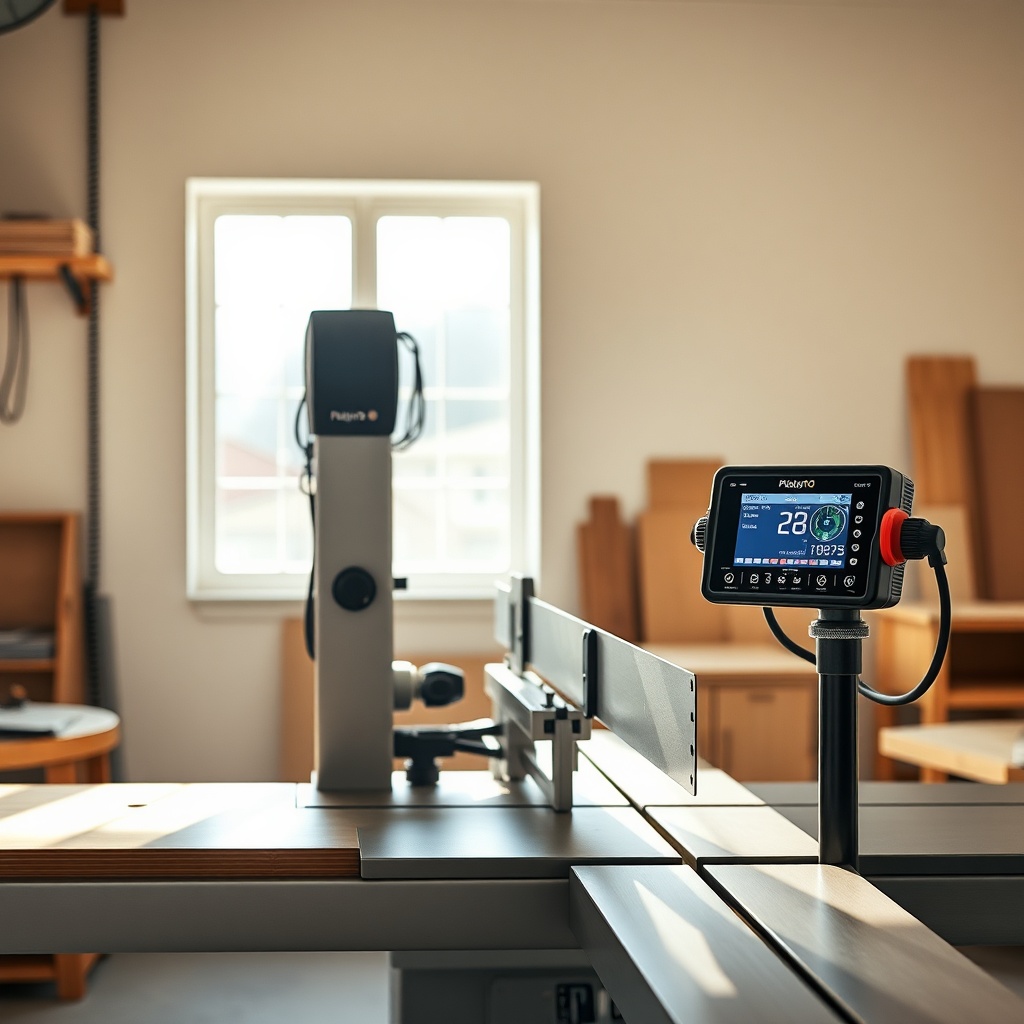
The alignment bar—a core accessory that ensures parallel tracking between blade and fence—is often overlooked until cuts start drifting. For a SawPilotPro used weekly in a home shop, replace the alignment bar every 6 months or after 100 hours of active cutting. In professional environments with daily use, shorten this to every 3 months.
- Signs of wear: Visible scoring on the bar surface, increased play in the clamp assembly, or inconsistent reads on the digital display.
- Recommended upgrade: The SawPilotPro Hardened Steel Alignment Bar ($89.95) resists deformation better than the standard alloy version.
- Installation tip: Always replace the bar with a fresh set of nylon bushings ($12.50 per pair) to eliminate minute lateral movement.
Regular inspection at each oil change interval (see next section) can catch early wear before it affects workpiece accuracy.
When Should I Lubricate the SawPilotPro Fence Mechanism?
Proper lubrication is essential for smooth fence adjustment and preventing binding. For the SawPilotPro’s linear guide rails and leadscrew, apply a thin layer of machine oil (specifically, ISO 68 or equivalent) every 40 operating hours or once per quarter, whichever comes first.
| Component | Lubricant Type | Frequency | Cost per Application |
|---|---|---|---|
| Linear guide rails | PTFE-based dry lube | Every 40 hrs | $4.75 |
| Leadscrew | Lithium grease (NLGI #2) | Every 80 hrs | $6.20 |
| Fence clamp pivot | White lithium spray | Every 20 hrs | $3.10 |
| Digital encoder shaft | Light machine oil | Every 60 hrs | $2.50 |
Over-lubrication can attract dust and sawdust, causing sticky movement. Use a lint-free cloth to wipe away excess. If the fence feels gritty, flush with a degreaser (like Simple Green Crystalline) before re-applying.
What Accessories Should I Upgrade for Winter vs. Summer Cutting?
Temperature and humidity changes affect material behavior and tool performance. The following winter and summer accessory upgrades will help maintain SawPilotPro accuracy year-round:
- Winter (below 50°F / 10°C): Use the SawPilotPro Heated Blade Stabilizer ($124.00) to reduce condensation on the blade and prevent binding in cold, damp wood. Switch to a thicker cutting fluid (100% vegetable-based, ~$18 per quart) to maintain viscosity.
- Summer (above 85°F / 30°C): Install the Cool-Cut Dust Shroud with integrated fan ($89.50) to lower blade temperature and pull away humid air. Replace standard anti-kickback pawls with ceramic-coated versions ($34.00 per set) to resist corrosion from sweat and humidity.
- Year-round bonus: The SawPilotPro Digital Calibration Kit ($299.00) includes a temperature-compensated encoder that automatically adjusts zero points based on ambient data—ideal for shops with no climate control.
Seasonal upgrades can cut setup time by up to 40% and improve consistency across multiple stock types.
How Do I Troubleshoot SawPilotPro Digital Readout Drift?
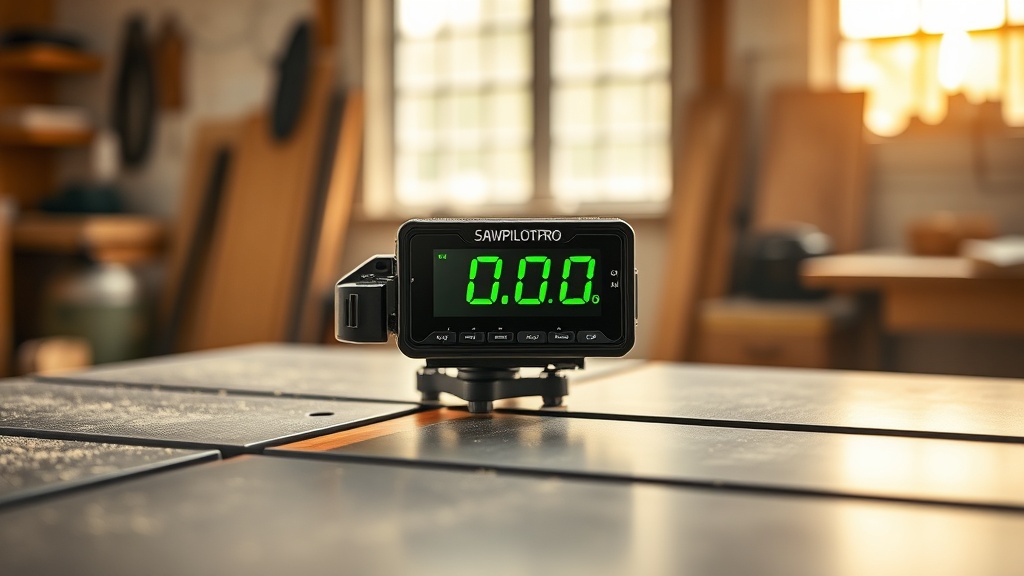
Digital readout (DRO) drift is frustrating but often fixable with simple checks. Follow this step-by-step guide if your SawPilotPro display shows unstable readings or strays from the actual cut line:
- Check power source: Ensure the DRO unit receives stable 5V DC (use the included USB-C adapter, not a generic phone charger). Voltage dips cause erratic behavior.
- Clean the encoder scale: Blow off dust with compressed air, then wipe with isopropyl alcohol (70% or higher) on a microfiber cloth. Avoid abrasive cleaners.
- Verify cable connections: Unplug and reseat the ribbon cable at both ends. Bent pins are a common issue—use a magnifying glass to inspect.
- Update firmware: Download the latest SawPilotPro firmware (v2.4.1, free) from the support portal. This update fixes quantization errors in high-precision mode (0.001-inch increments).
- Reset to factory defaults: Hold the “Mode” and “Zero” buttons simultaneously for 10 seconds, then re-calibrate using the provided 12-inch test bar.
If drift persists after these steps, replace the DRO module ($179.00) rather than the entire unit—it’s often more cost-effective than a new saw fence.
What Do Owners Say About SawPilotPro’s Upgrade Parts?
Real-world feedback from hobbyists and pros confirms the value of targeted upgrades. Here are paraphrased insights from three long-term users:
“After swapping the stock plastic dust port for the SawPilotPro Aluminum Quick-Connect ($42.95), my shop’s fine dust level dropped noticeably. The metal adapter fits perfectly on my 2.5-inch hose and doesn’t crack like the original.” — Mark T., woodworker
“The upgraded magnetic hold-down kit ($29.50) handles heavy stock without slipping, even during rip cuts on slippery maple. No more c-clamps!” — Sarah L., cabinetmaker
“I switched to the SawPilotPro Carbide-Tipped Zero-Clearance Insert ($36.75) for crosscut sled work. Zero tear-out on plywood, and it lasted three times longer than the stock HSS version.” — James R., furniture artisan
Owners also praise the robust customer service—mentioning fast replacements for defective parts within the 2-year warranty period.
Frequently Asked Questions
Q1: Can I use any lubricant on the SawPilotPro fence?
A: No. Only use manufacturer-recommended lubricants (PTFE dry lube or white lithium spray). Avoid WD-40 or silicone-based products, as they can degrade the plastic encoder housing over time.
Q2: How often should I replace the SawPilotPro battery in the digital display?
A: The internal coin cell (CR2032) lasts about 18 months with normal use. Replace it sooner if the display dims or shows “Low Battery” warnings during operation.
Q3: Is the SawPilotPro alignment bar compatible with older models?
A: Yes. The Universal Alignment Bar (sold as an upgrade, $109.00) fits all SawPilotPro versions from 2018 onward, including the Pro 3, Pro 4, and Pro 5 series.
Q4: What’s the best way to store SawPilotPro accessories in humid climates?
A: Use a closed storage box with silica gel desiccant packs (available in bulk for $11.00 per 100-grain bag). Apply a thin coat of corrosion inhibitor (like Boeshield T-9) to any uncoated metal parts before storage.
Q5: Do I need to re-calibrate after replacing the fence clamp?
A: Yes. After installing a new clamp, run the full alignment procedure (detailed in the manual) to reset the zero reference and ensure square cuts within 0.002 inch tolerance.
Q6: Where can I buy original SawPilotPro parts?
A: Purchase directly from the official SawPilotPro website or authorized dealers like Woodworking Supply Co. Avoid third-party sellers on auction sites—counterfeit parts may void your warranty. Prices range from $5.50 for a replacement Allen key to $299.00 for the Calibration Kit.