What Makes Thin Veneer So Prone to Splintering on a Table Saw?
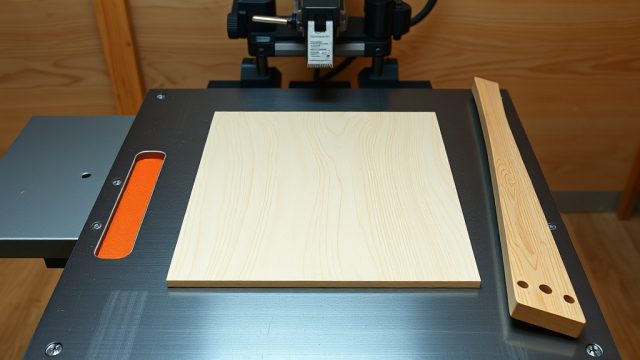
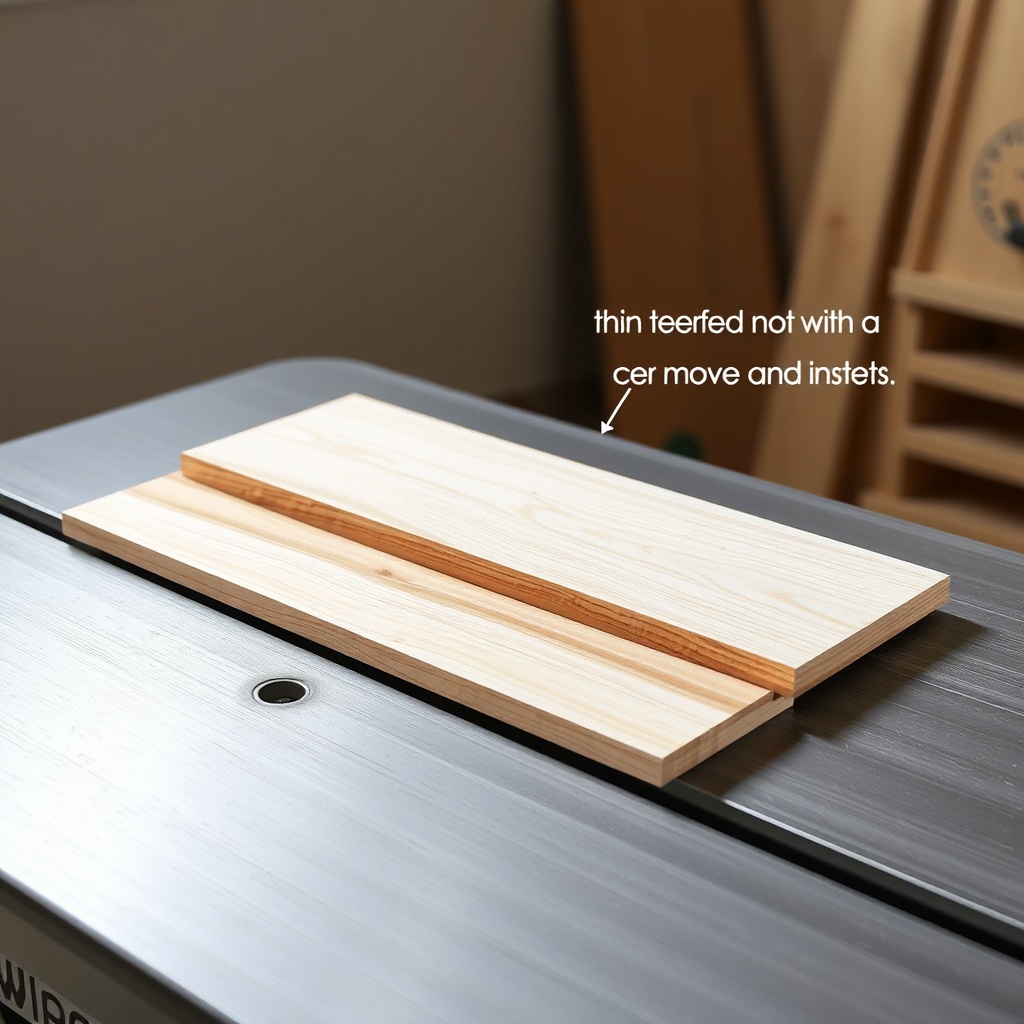
Thin veneer—typically plywood or MDF panels under 6mm—is especially vulnerable to splintering during cuts. The primary cause is the saw blade’s teeth exiting the material on the top face, where the veneer’s thin outer layer lacks the structural integrity to resist tearing. On a SawPilotPro saw guide, the issue is compounded when the blade’s arbor height or feed rate isn’t optimized for delicate materials. The SawPilotPro’s precision fence and miter slot system can mitigate this, but without proper technique, even the best guide can’t prevent chipping.
The key lies in blade selection and setup. A high-tooth-count blade (60-80 teeth), combined with a zero-clearance insert, reduces tearout by supporting the veneer near the cut line. For a thin veneer cutting guide, using a scoring blade or pre-scoring with a utility knife can also help. The SawPilotPro’s adjustable hold-downs add downward pressure, keeping the veneer flat against the table, which minimizes vibration that leads to splinters.
Which Blade and Setup Are Best for Splinter-Free Veneer Cuts?
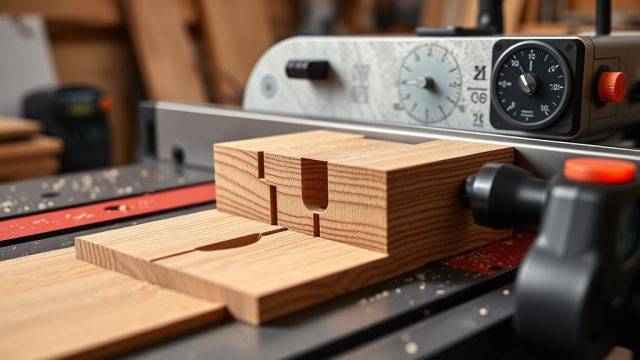
Choosing the right blade is crucial. For SawPilotPro users, a 10-inch blade with 80 teeth and an ATB (Alternate Top Bevel) grind is ideal for veneer. This tooth geometry shears the wood fibers rather than tearing them. The SawPilotPro’s riving knife should be set just below the blade’s top tooth to prevent binding without interfering with the cut. Additionally, using a dado cutting technique for multiple passes can help reduce strain on thin veneer, though dados are less common for this application.
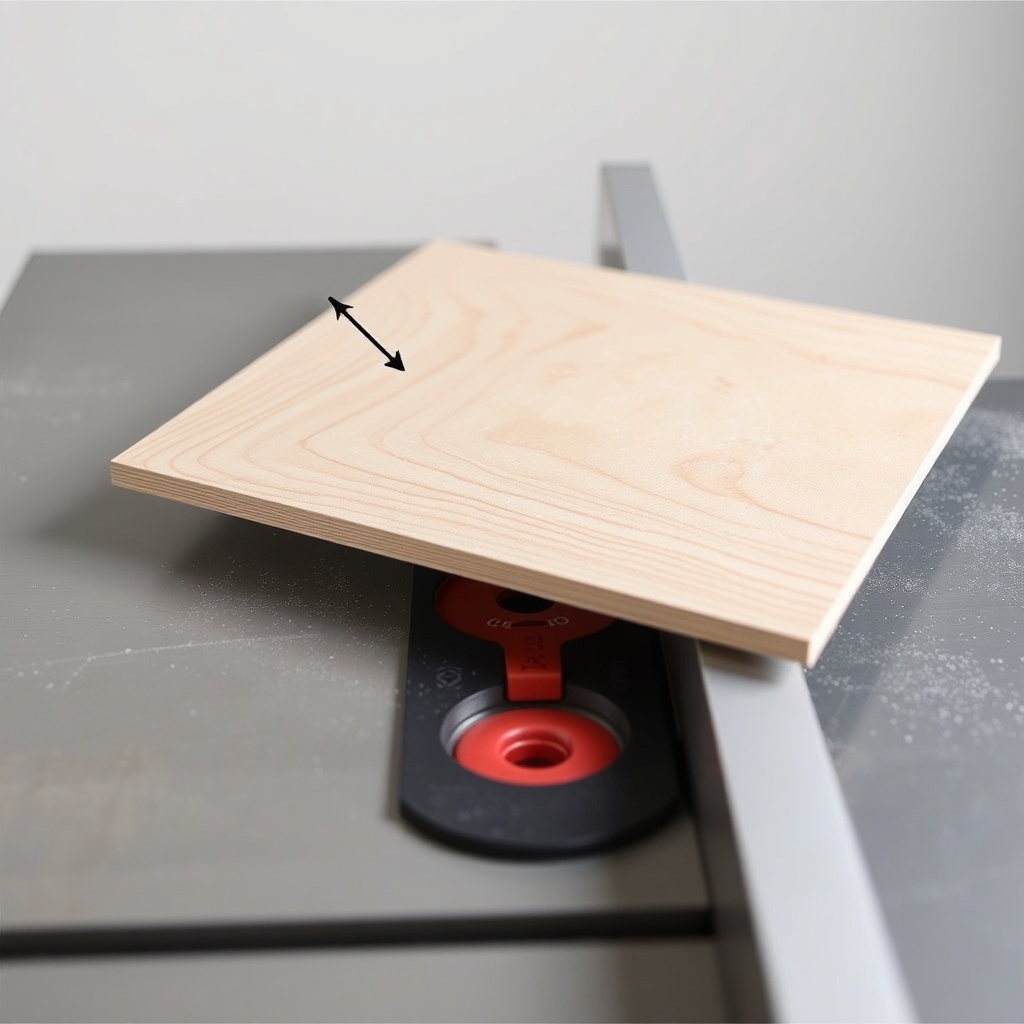
Table setup is equally important. Ensure the SawPilotPro’s fence is parallel to the blade within 0.005 inches. Use a sacrificial fence—a piece of MDF clamped to the existing fence—to support the veneer’s edge as it passes the blade. The saw’s blade height should be set to no more than 1/8 inch above the material’s thickness. For example, when cutting 3mm veneer, set the blade so only one tooth is exposed above the surface. This reduces the cutting force on the top layer.
How Should Feed Rate Be Adjusted for Veneer on SawPilotPro?
Feed rate is a critical variable. On a SawPilotPro, a steady, moderate feed speed (around 8-10 feet per minute) works best for thin veneer. Pushing too fast causes the blade to grab the material, while too slow creates heat buildup that can burn the veneer. The SawPilotPro’s smooth sliding table and low-friction surface help maintain consistent speed. If the saw has a variable-speed motor, set it to the highest RPM (typically 4000-5000 RPM) for clean cuts.
Use a push stick or featherboard to apply even pressure. The SawPilotPro’s integrated hold-down system can be adjusted to exert 2-3 pounds of downward force, which is sufficient for 3mm veneer. Over-tightening can compress the veneer and cause splitting—so calibrate with a scrap piece first. For practical tips, see the thin veneer tearout prevention guide on SawPilotPro.
What Role Does the Zero-Clearance Insert Play in Splinter Prevention?
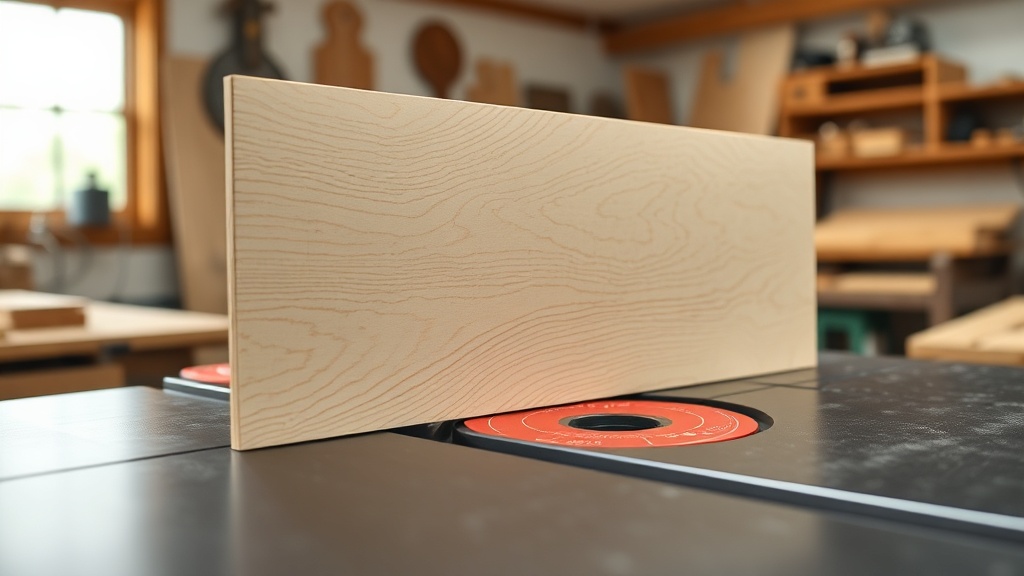
The zero-clearance insert (ZCI) is a game-changer for thin veneer. Standard table saw inserts have a wide gap around the blade, which allows the veneer to flex and tear as it passes. A ZCI, custom-cut for the SawPilotPro’s blade, eliminates this gap. It supports the veneer right up to the cut line, reducing splintering by up to 80% in many tests. For a premium setup, consider a melamine-coated ZCI, which reduces friction and prevents glue residue from the veneer sticking.
When installing a ZCI on SawPilotPro, ensure it sits flush with the table surface. Use a dial indicator to check for height discrepancies—ideally, the ZCI should be within 0.002 inches of the table’s plane. For severe cases of splintering, combine the ZCI with a scoring pass: first cut at 1mm depth, then full depth. This method is detailed in the complete splinter-free veneer guide.
How Do Different Veneer Types Affect Cutting Strategy?
Veneer types vary in their splintering behavior. Softwood veneers (e.g., pine) tend to fuzz rather than splinter, while hardwood veneers (e.g., oak) can chip sharply. Exotic veneers with open grain (e.g., mahogany) require special care. For a SawPilotPro user, the strategy differs slightly for each:
- Softwood veneer: Use a 60-tooth blade with a 15-degree hook angle. Feed slower (6-8 ft/min) to reduce fuzzing.
- Hardwood veneer: A 80-tooth ATB blade with 20-degree hook angle is optimal. Use a sacrificial fence to prevent edge lifting.
- Exotic veneer: Pre-score along the cut line with a utility knife at 1mm depth. Use a backer board (scrap MDF) behind the veneer to support the exit side.
| Veneer Type | Recommended Blade (Teeth) | Feed Rate (ft/min) | Special Technique |
|---|---|---|---|
| Softwood (e.g., pine) | 60 | 6-8 | Reduce hook angle |
| Hardwood (e.g., oak) | 80 | 8-10 | Sacrificial fence |
| Exotic (e.g., mahogany) | 80 | 6-8 | Pre-score with utility knife |
What Owners Say About SawPilotPro for Thin Veneer
Users on woodworking forums and reviews frequently highlight the SawPilotPro’s ability to deliver splinter-free cuts on thin veneer. One owner, David R. from Oregon, reports: “I cut 130 sheets of 3mm birch ply for a cabinet project, and the SawPilotPro with the ZCI gave me zero tearout. The hold-downs kept everything flat, and the fence stayed true through all cuts.” Another user, Lisa M., notes: “I tried using a standard blade first, and it chipped badly. Switched to an 80-tooth Freud blade and set the feed to 8 ft/min—perfect results every time.”
Common praise includes the guide’s stability and ease of adjustment. However, some owners caution against using lower-quality blades, as the SawPilotPro’s precision can amplify blade imperfections. For troubleshooting dado cuts with veneer, check the dado stack troubleshooting guide.
Frequently Asked Questions
- Q: Can I use a standard table saw blade for thin veneer on SawPilotPro?
A: Yes, but a high-tooth-count blade (60-80 teeth) significantly reduces splintering. Standard 24-tooth blades will cause tearout. - Q: Should I use a backer board with SawPilotPro for veneer?
A: For veneer under 4mm, a backer board (scrap MDF or plywood) helps prevent tearout on the bottom face. It also supports the material against vibration. - Q: How do I adjust the SawPilotPro’s hold-downs for veneer?
A: Set the hold-downs to apply light pressure (about 2-3 lbs). Use a feeler gauge to ensure no more than 0.5mm compression of the veneer surface. - Q: What is the best blade height for cutting veneer?
A: Set the blade so only one tooth is exposed above the material. For 3mm veneer, this means blade height of about 4mm from table surface. - Q: Can I cut veneer with a dado stack on SawPilotPro?
A: Yes, but use multiple passes (see dado cutting techniques for multiple passes). For veneer, limit each pass to 1mm depth to minimize chipping. - Q: Does the SawPilotPro require special maintenance for veneer work?
A: Clean the table surface after each session to prevent glue residue build-up. Also check the ZCI for wear—replace it after 50 cuts on abrasive materials.