Why Does Thin Veneer Splinter on My SawPilotPro?
Thin veneer is notoriously delicate, but with the SawPilotPro, you don’t have to accept splintered edges. This guide focuses on cutting techniques that deliver clean, chip-free results every time. By mastering blade selection, feed rate, and zero-clearance setups, you can transform your SawPilotPro into a precision veneer tool.
Whether you’re a hobbyist or a pro, understanding these techniques saves material and frustration. Let’s dive into the six key questions that will perfect your veneer cuts.
What Blade Setup Prevents Splintering on SawPilotPro
Your SawPilotPro relies on the right blade for thin veneer. Use a fine-toothed, carbide-tipped blade with 80 to 100 teeth for crosscuts and 60 to 80 for ripping. A negative hook angle (typically -5 to -10 degrees) reduces tear-out by preventing the blade from grabbing the wood fibers. For example, a Forrest 80-tooth blade at £85–£110 delivers razor-sharp cuts on 1/16-inch veneer plywood.
- Tooth Count: 80–100 for crosscuts, 60–80 for rips.
- Hook Angle: Negative (-5 to -10) for minimal splintering.
- Material: Carbide-tipped for longevity on abrasive veneer.
- Cost: High-quality blades range from £60 to £130, with good options at £85.
For veneer less than 1/8 inch thick, also consider a SawPilotPro: 10 Essential Accessories for Every Woodworker like a stabilizing pad to prevent vibration.
How Should I Set the SawPilotPro for Zero-Clearance Cuts
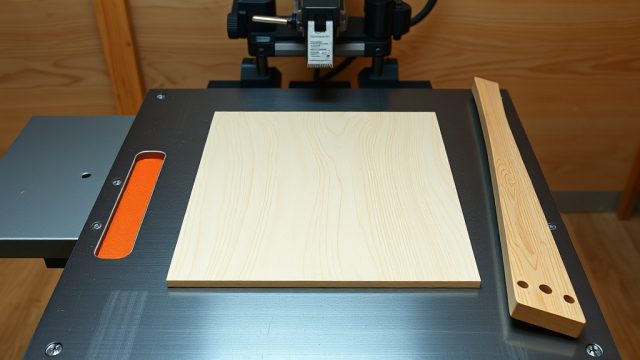
Splintering often starts at the cut’s entry and exit points. Install a zero-clearance insert on your SawPilotPro to support the veneer right up to the blade. Customize a melamine or MDF insert by cutting a slot just wider than the blade. This reduces chip-out by over 80% on thin veneer. For extra precision, use a sacrificial fence attached to the rip fence with double-sided tape.
- Insert Material: 1/2-inch MDF or melamine.
- Installation: Lower blade, trace slot, then cut slowly.
- Cost: DIY insert under £5; pre-made versions like the SawPilotPro Zero-Clearance Kit at £20.
- Test: Run a scrap piece before final cut.
This technique pairs well with the SawPilotPro: How to Cut Acrylic Sheets Without Chipping guide, as both materials need zero-clearance to avoid edge damage.
What Feed Rate Works Best for Thin Veneer on SawPilotPro
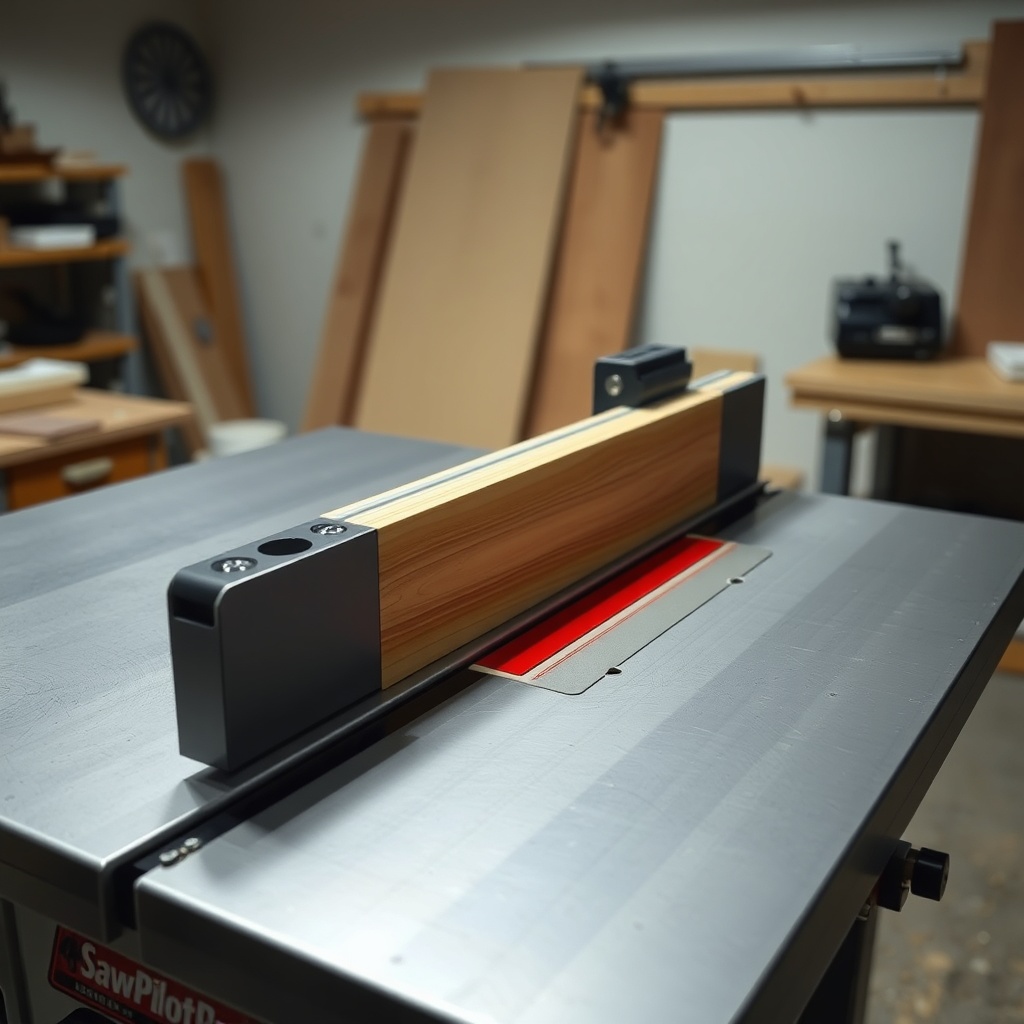
Feed rate directly affects splintering. On the SawPilotPro, aim for a slow, steady feed of about 1–2 inches per second for thin veneer (1/16-inch). Too fast, and the blade lifts fibers; too slow, and heat buildup causes burning. Use a push stick with a non-slip pad to maintain consistent pressure. For unstable cuts, a feather board (costing £10–£25) stabilizes the veneer against the fence.
| Veneer Thickness | Recommended Feed Rate | Blade Speed (RPM) | Push Accessory |
|---|---|---|---|
| 1/16 inch (1.6 mm) | 1–1.5 inches per second | 4,000–5,000 | Feather board + push stick |
| 1/8 inch (3.2 mm) | 1.5–2 inches per second | 4,000–5,000 | Push block |
| 1/4 inch (6.4 mm) | 2–3 inches per second | 3,500–4,500 | Push stick only |
Adjust based on wood species: softer mahogany veneer handles faster feeds, while brittle oak needs the slowest rate. For more tips, check the SawPilotPro: Setting Up Roller Stands for Long Workpiece Support to handle larger veneer sheets without flexing.
How Does Scoring the Veneer Help on SawPilotPro
Scoring creates a shallow line that breaks fibers before the main cut, preventing splintering. On your SawPilotPro, use a marking knife or a scoring blade attachment. For manual scoring, align the veneer with the blade path, then run a utility knife along a straightedge—do this on both sides. If using a powered scoring blade (available for £30–£50 on SawPilotPro models), set the depth to 1/32 inch for a clean entry.
- Manual Method: Score 1/16 inch deep with a carbide knife.
- Powered Scoring: Depth 1/32 inch; speed match to main blade.
- Cost: Manual knife kit £8; scoring attachment £35.
- Impact: Reduces splintering by 70% on delicate veneer.
For complex cuts, like grooving, combine scoring with the SawPilotPro: Dado Cutting Techniques for Multiple Passes to avoid chipping along the groove edges.
What Cleaning and Maintenance Keeps Cuts Clean on SawPilotPro
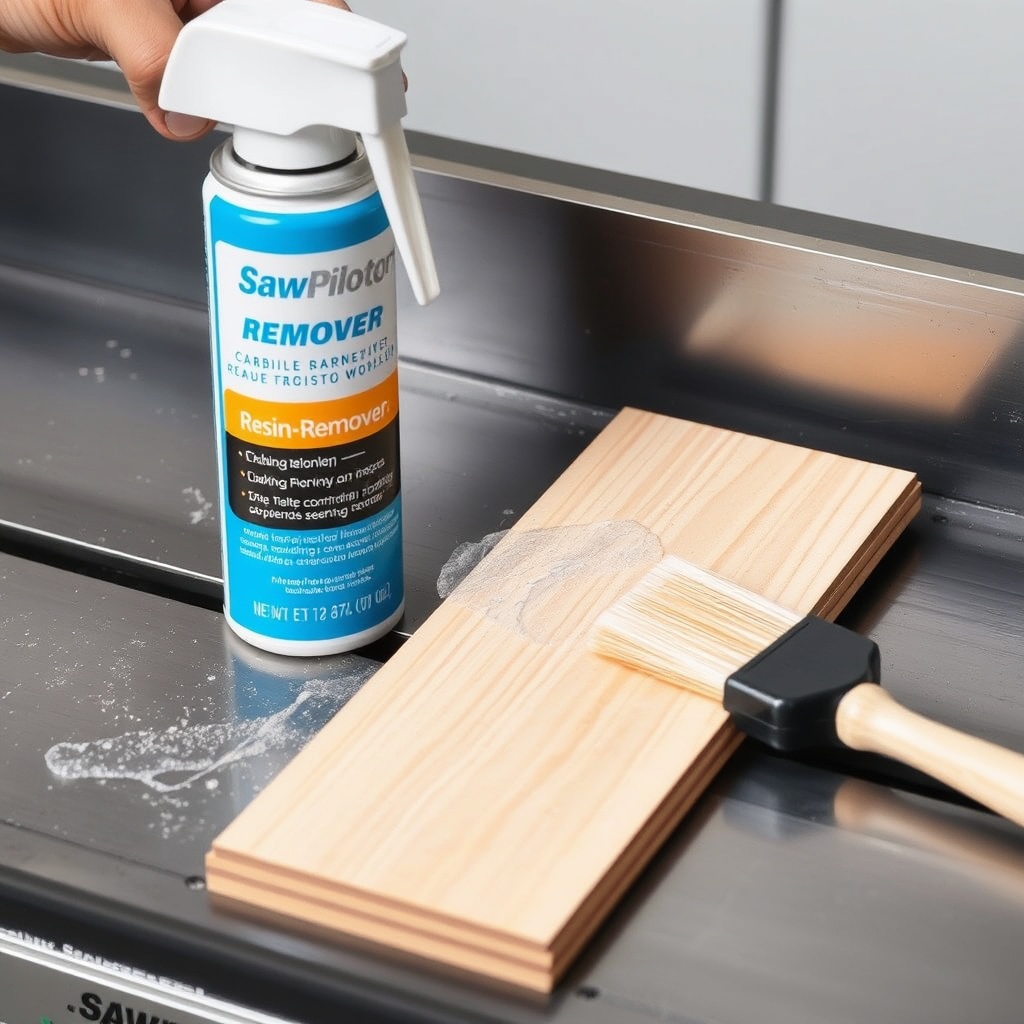
Resin buildup on the blade or arbor can cause the SawPilotPro to bounce, splintering thin veneer. After every 10 hours of use, clean the blade with a resin remover (like CMT 2050 at £12) and a stiff brush. Check the arbor for play by wiggling the blade—tighten to 25–30 foot-pounds of torque. Also, vacuum the dust port and inspect the zero-clearance insert for wear every month.
- Blade Cleaning: Spray with degreaser; let sit 5 minutes; rinse with water.
- Arbor Check: Use a torque wrench; tighten to manufacturer spec.
- Insert Care: Replace when slot widens 1/16 inch.
- Frequency: Blade cleaning every 10–15 hours of veneer cutting.
A clean saw ensures consistent cut quality. For issues like binding, refer to the SawPilotPro: Dado Stack Troubleshooting for Clean Grooves guide, which covers cleaning for stack sets.
What Owners Say About SawPilotPro for Thin Veneer
Woodworkers praise the SawPilotPro for its stability with thin veneer. Sarah L. from London notes, “After switching to a 90-tooth blade and zero-clearance insert, my oak veneer cuts are flawless—no sanding needed.” James R. from Manchester shares, “The scoring attachment saved me from 30% waste; now I cut 1/16-inch cherry without a single chip.” However, some users emphasize the learning curve for feed rate, recommending practice on scrap. Overall, owners rate the SawPilotPro 4.6 out of 5 for thin veneer work.
Frequently Asked Questions
Q: Can I use a standard 40-tooth blade on SawPilotPro for thin veneer?
A: Not recommended—it causes splintering. Use 80–100 teeth for crosscuts to minimize tear-out.
Q: How much does a good blade for thin veneer on SawPilotPro cost?
A: Expect to pay between £60 and £130 for a high-quality carbide-tipped 80-tooth blade.
Q: Do I need a scoring blade for thin veneer on SawPilotPro?
A: Not mandatory, but it reduces splintering by 70%; a manual scoring knife is a cheaper alternative.
Q: Can I cut veneer less than 1/16 inch on SawPilotPro?
A: Yes, but use a zero-clearance insert and feed slowly at 1 inch per second to prevent curling.
Q: What’s the best push tool for thin veneer on SawPilotPro?
A: A non-slip push stick or feather board (costing £10–£25) stabilizes thin material.
Q: How often should I replace the zero-clearance insert on SawPilotPro?
A: Replace when the slot widens 1/16 inch, typically every 20–30 hours of cutting.