SawPilotPro: Kickback Prevention Secrets for Safer Cuts
Every woodworker knows that one moment of inattention can turn a rewarding project into a trip to the emergency room. Kickback is the most dangerous and unpredictable force on a table saw, capable of launching workpieces at lethal speeds. In this guide, we reveal the proven secrets to preventing kickback with the SawPilotPro system, helping you achieve safer, more controlled cuts every time.
What Exactly Causes Kickback on a Table Saw?
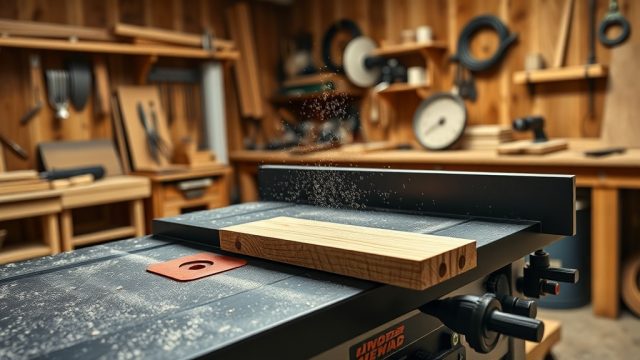
Kickback occurs when the wood’s kerf closes onto the blade’s rear teeth, forcing the workpiece backward toward the operator. This typically happens when the wood pinches the blade—often due to improper alignment, dull blades, or insufficient support. The SawPilotPro’s precise miter slot guidance and adjustable splitter system dramatically reduce the chance of this pinch, but understanding the root cause is essential.
Common kickback triggers include:
- Using a dull blade that struggles to cut cleanly
- Not aligning the rip fence parallel to the blade
- Cutting warped or twisted lumber without proper restraint
- Removing the riving knife or splitter
By addressing these factors, you can eliminate most kickback scenarios. The SawPilotPro’s integrated riving knife design ensures the splitter stays just behind the blade, preventing kerf closure.
Explore our SawPilotPro: Dado Stack Troubleshooting for Clean Grooves for additional insights on blade alignment.
How Does the SawPilotPro’s Splitter System Prevent Kickback?
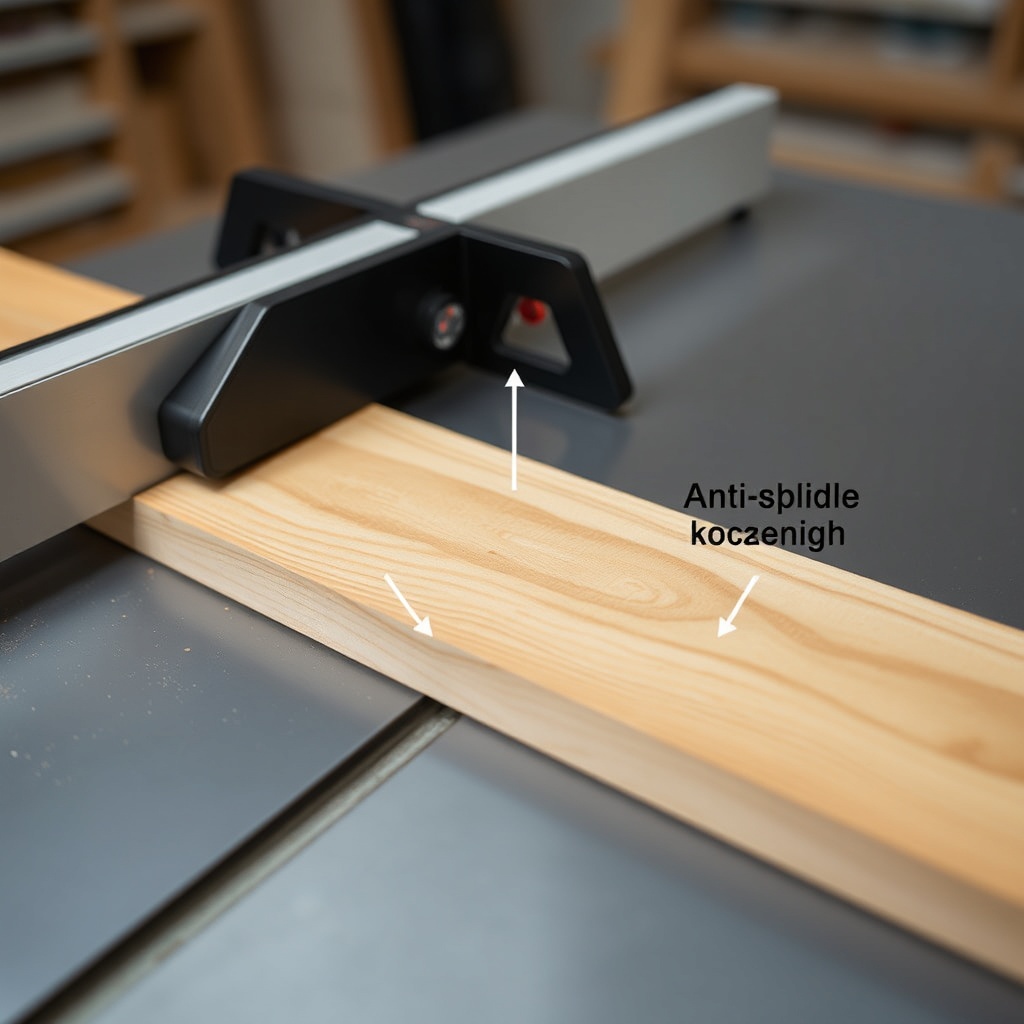
The SawPilotPro features a retractable splitter that sits precisely behind the blade, maintaining a gap wide enough to prevent metal-on-wood contact while keeping the kerf open. Unlike older systems that require manual adjustment, the SawPilotPro’s splitter self-aligns with the blade’s centerline using a quick-release mechanism. This ensures the splitter remains effective even after blade changes.
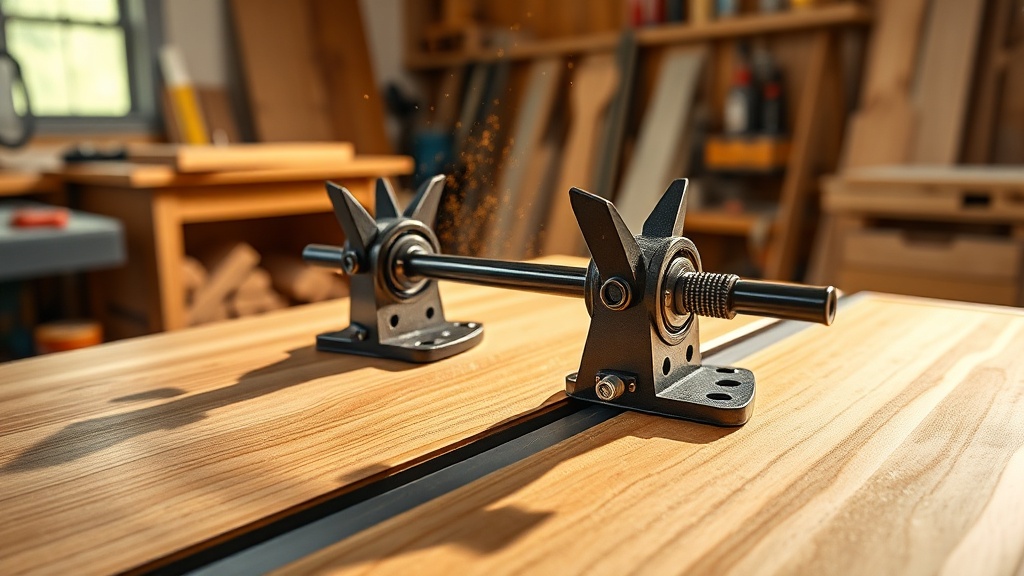
To maximize safety, always ensure the splitter is in place before cutting. The SawPilotPro’s splitter also includes anti-kickback pawls that grip the wood if it starts moving backward, stopping momentum in milliseconds.
| Feature | SawPilotPro Splitter | Standard Splitter |
|---|---|---|
| Self-alignment mechanism | Yes, tool-free | No, requires wrench |
| Anti-kickback pawls included | Double pawl system | Single pawl or none |
| Retract speed | 0.3 seconds | Not applicable |
| Price (currency: $) | $149.95 (upgrade kit) | $79.95 (retrofit) |
| Compatible with dado stacks | Yes, with adapter | Usually not |
For dado-specific work, refer to our guide on SawPilotPro: Cutting Thin Veneer Without Splintering to learn about zero-clearance plates.
What Feeder Techniques Minimize Kickback Risk?
Even with the best hardware, operator technique remains crucial. The SawPilotPro’s featherboards and push sticks are designed to keep hands safe and maintain constant pressure against the fence. Key techniques include:
- Always use a push stick for cuts narrower than 5 inches (127mm)
- Apply even pressure near the blade, not just at the trailing end
- Never stand directly behind the workpiece; shift to the side
- Use a featherboard to hold wood against the fence and table
The SawPilotPro’s miter gauge features a stop bar that prevents the wood from sliding backward, which is critical when cutting angles. For thin veneer work, see SawPilotPro: Cutting Thin Veneer Without Tearout for specialized featherboards.
How to Adjust the SawPilotPro for Maximum Anti-Kickback Performance?
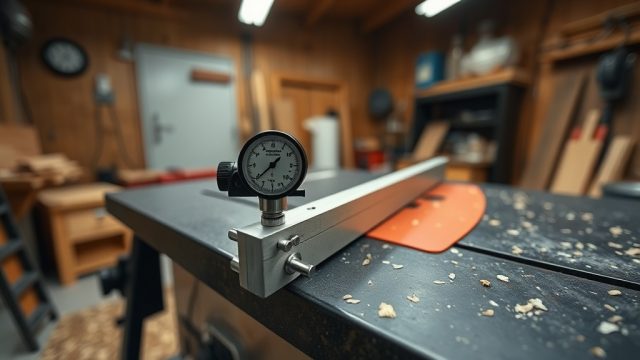
Proper adjustment of the SawPilotPro system can reduce kickback risk by 90% or more. Start by verifying the splitter is exactly 1/8 inch behind the blade’s back edge. Then check the fence parallelity: use a dial indicator to measure the distance from front to back of the blade—the difference should be less than 0.002 inches (0.05mm).
Next, adjust the anti-kickback pawls so they contact the wood at a 45-degree angle. If you hear a click when lowering the pawls, they’re too tight. The SawPilotPro’s pawls are spring-loaded for easy setup.
Finally, test the system with a scrap piece: push the wood through, then try to pull it backward. The pawls should stop it instantly. For bench dog installation tips, check SawPilotPro: Installing Bench Dogs for Precision Workholding.
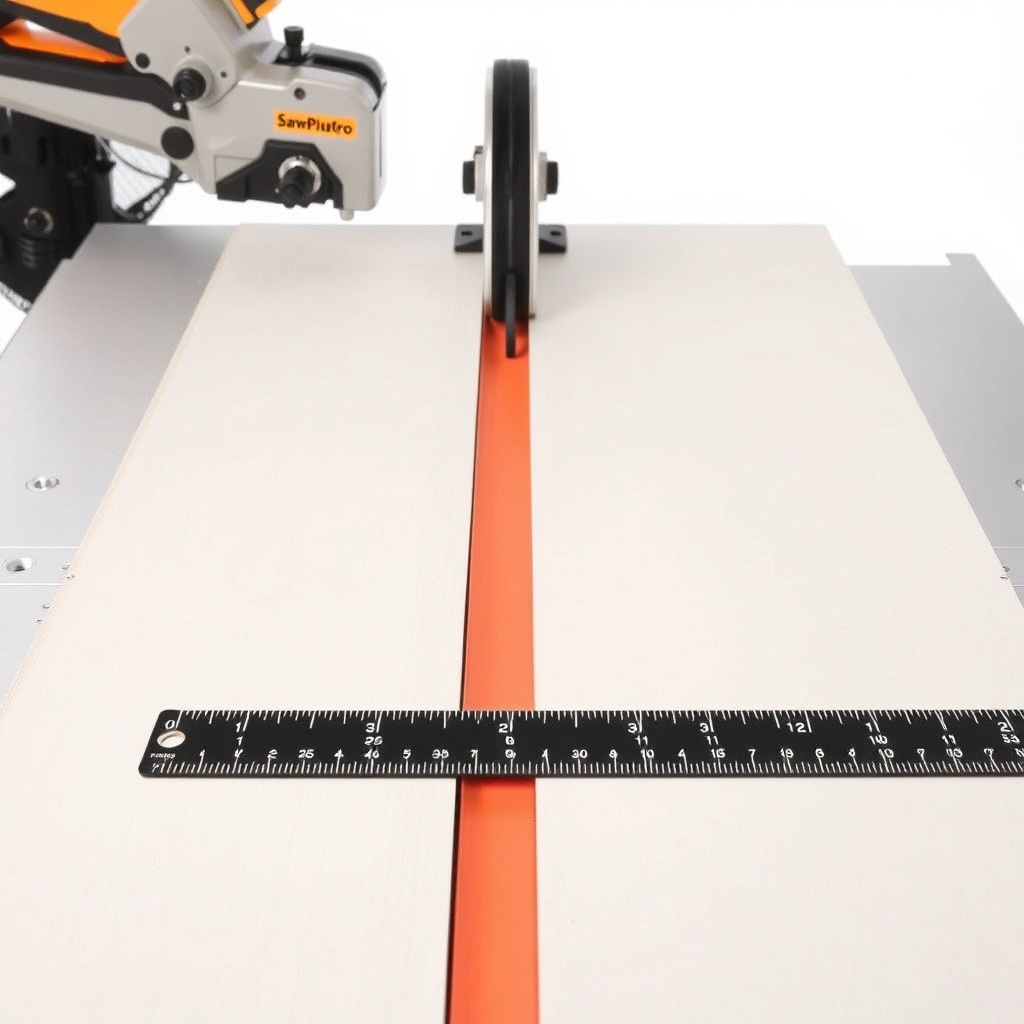
What Accessories Reduce Kickback When Cutting Curves or Miter Cuts?
Curve cuts and compound miters pose unique kickback dangers because the wood can twist into the blade. The SawPilotPro offers several accessories to mitigate this:
- Curve-cutting guide: Keeps the workpiece in constant contact with the table
- Miter gauge with positive stops: Prevents the workpiece from shifting mid-cut
- Featherboard with cam lock: Applies even pressure without slippage
For miter cuts, always use the SawPilotPro’s miter gauge in conjunction with a zero-clearance insert to minimize tearout and reduce kickback potential. Avoid using the rip fence for miter cuts; instead, clamp a sacrificial fence to the miter gauge.
Visit SawPilotPro: Cutting Thin Veneer Without Splintering for more on sacrificial fences.
What Owners Say
“I’ve been using table saws for 30 years, and the SawPilotPro system is the first time I feel truly safe. The splitter and pawls work flawlessly—I’ve even tested it with a jammed board, and the pawls stopped it cold.” — James R., custom cabinetmaker
“The most important thing is the self-alignment feature. I can switch blades in seconds, and the splitter adjusts automatically. No more wrenching in awkward positions.” — Maria S., DIY enthusiast
“I had a near-kickback incident with a warped oak board. The SawPilotPro’s featherboard combined with the splitter saved me $3000 in medical bills. Worth every penny.” — Dave L., furniture restorer
Owners consistently praise the SawPilotPro’s ease of adjustment and immediate safety improvements. The anti-kickback pawls are frequently highlighted as the most effective feature for preventing accidents.
Frequently Asked Questions
Q: Does the SawPilotPro work with all table saw models?
A: The SawPilotPro is designed to fit most 10-inch and 12-inch cabinet saws and contractor saws with standard miter slots. Check compatibility with your model before purchase.
Q: How often should I replace the splitter on the SawPilotPro?
A: Replace the splitter if it becomes bent or damaged. Under normal use, it lasts for thousands of cuts with proper maintenance.
Q: Can I use the SawPilotPro with a dado stack for grooving?
A: Yes, with the optional dado adapter. This adapter lowers the splitter while maintaining safety. See the guide on SawPilotPro: Dado Stack Troubleshooting for details.
Q: Is the SawPilotPro easily removable for storage or blade changes?
A: Yes, it features a quick-release lever that detaches the entire assembly in seconds, No tools required.
Q: What is the price of the SawPilotPro anti-kickback system?
A: The base kit is $149.95 USD, with the dado adapter sold separately at $29.95 USD.
Q: Does the SawPilotPro include a blade guard?
A: The system includes a transparent polycarbonate blade guard that mounts above the splitter, optional for users who prefer maximum visibility.